Connect & Integrate Zoom
Last updated: April 25, 2025
Introduction
Connecting and Integrating Zoom with YeshID will enable the following:
Read Integration - Will keep your users in sync.
Write Integration - Will allow you to add and remove users.
Pre-Requisites
You have an account on YeshID
You are the administrator on your Zoom account.
Write Integrations - You have the right subscription. (TODO)
Steps
Read Integration
If you've already added Zoom, you can simply click into the Zoom application in YeshID and click "Connect and Integrate"
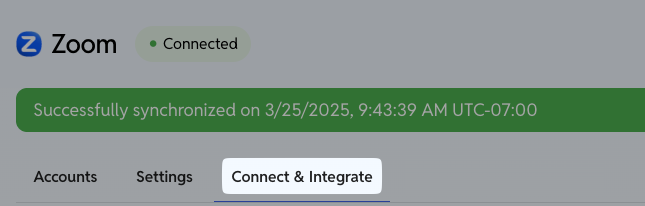
In YeshID, navigate to your Applications
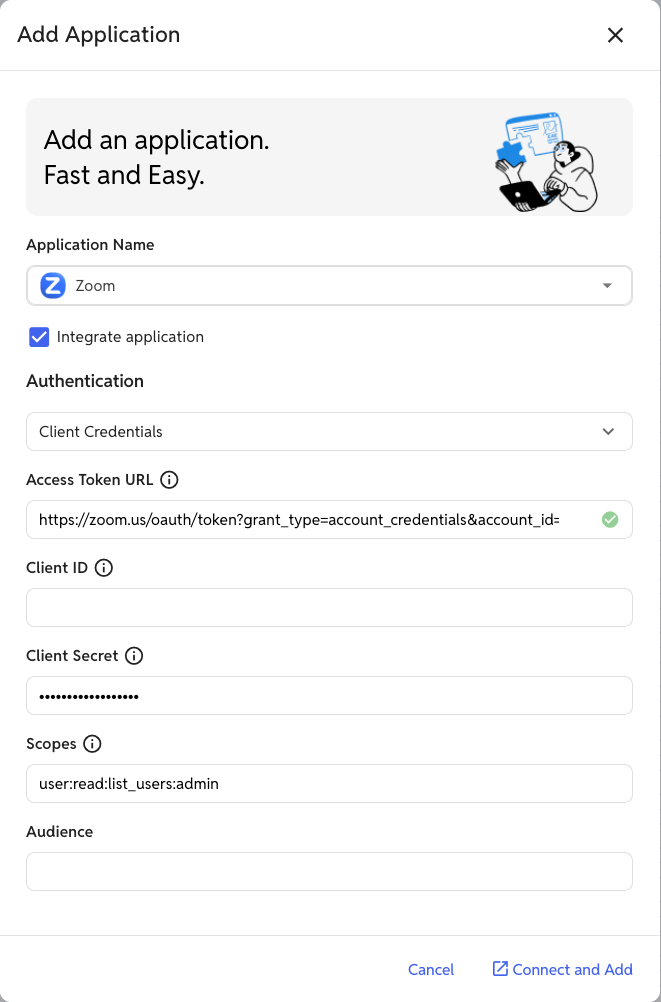
Click "Add Application"
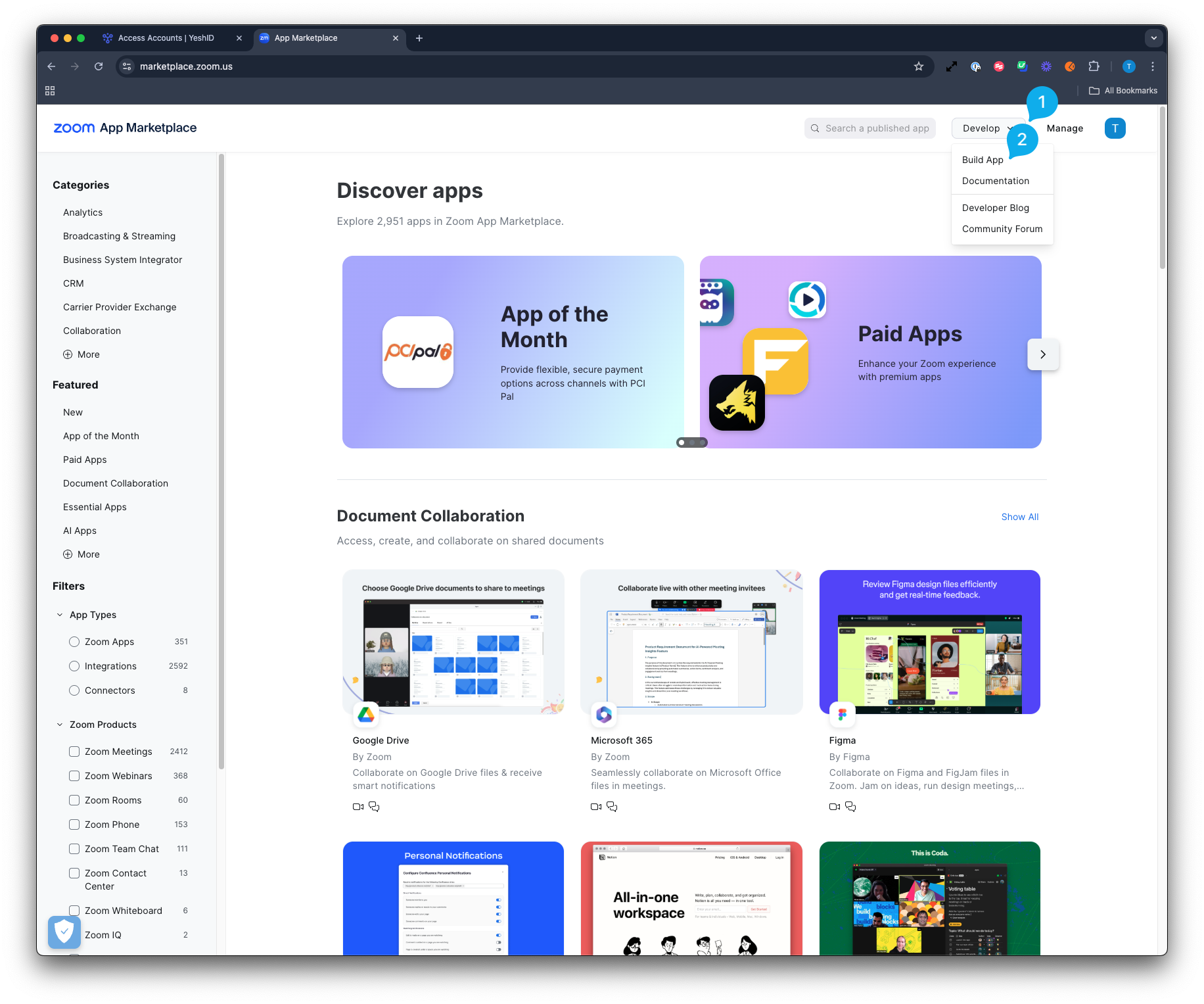
In a new tab, navigate to the Zoom Marketplace and sign-in.
Click "Develop" and "Build App"
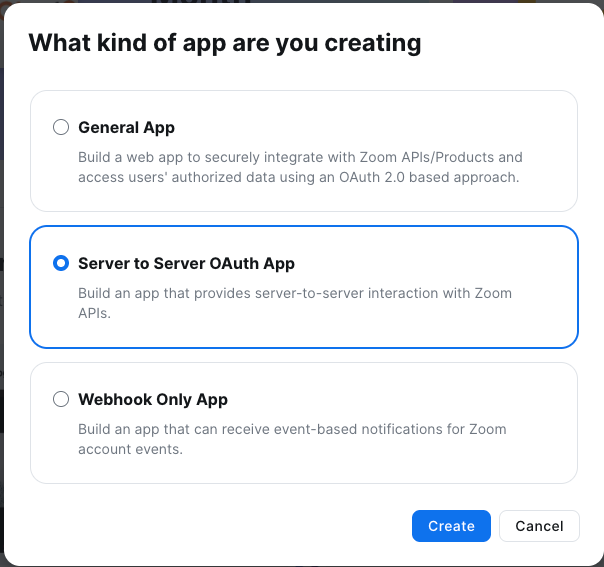
Select "Server to Server OAuth App"
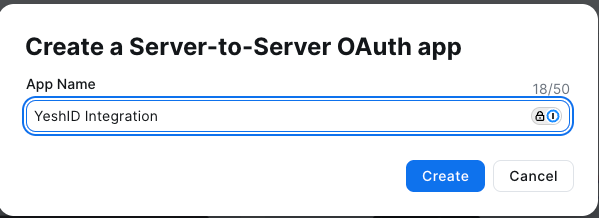
Name your app something descriptive:
Copy and paste the following items from Zoom to YeshID
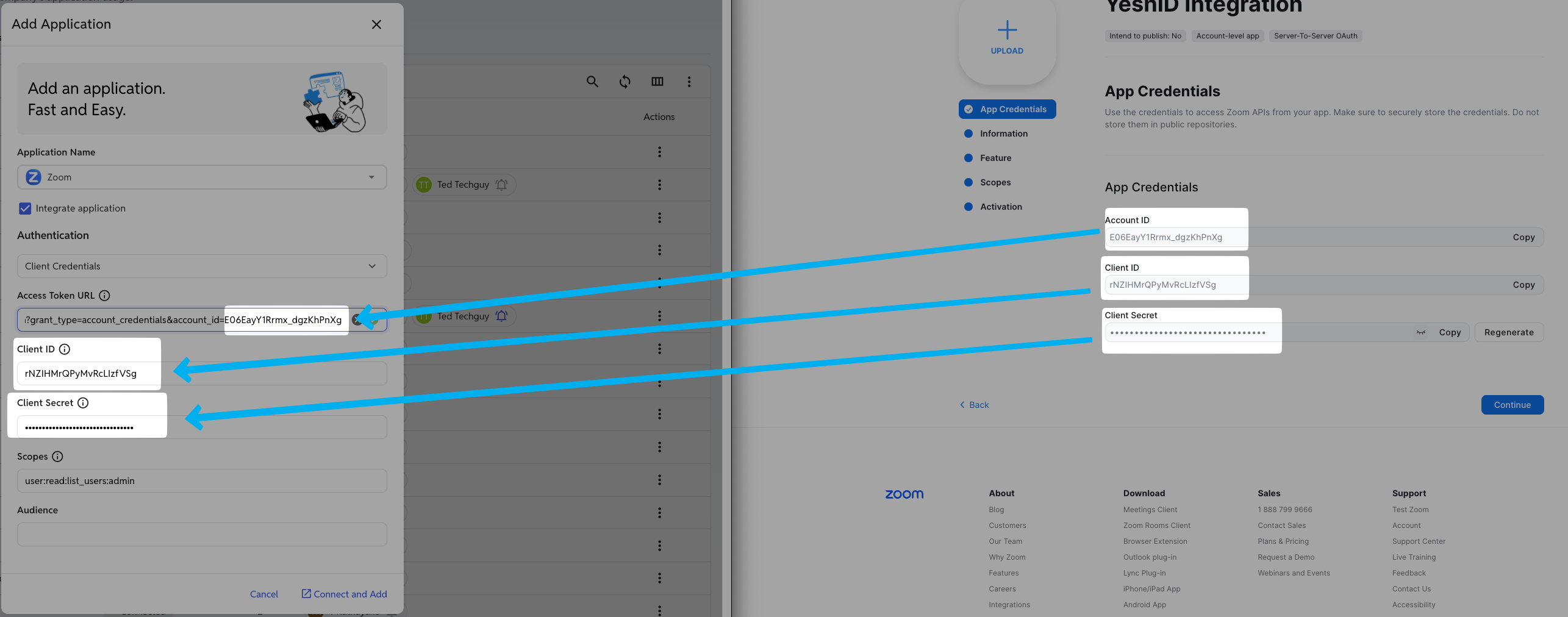
Zoom | YeshID |
Account ID | Replace i.e becomes
|
Client ID | Paste into |
Client Secret | Paste into |
In Zoom, hit "Continue" to enter into Information
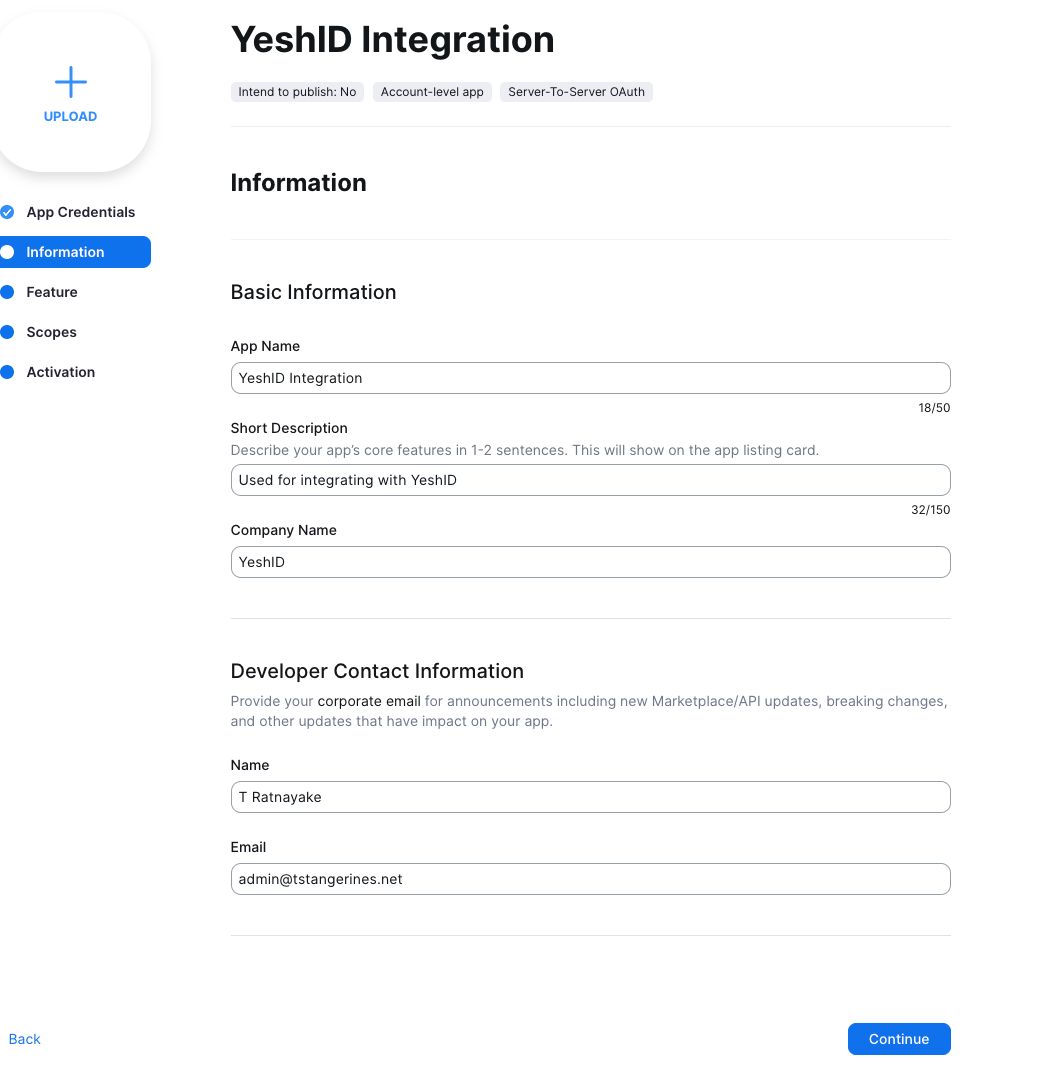
Fill out the Integration details and hit Continue to Feature
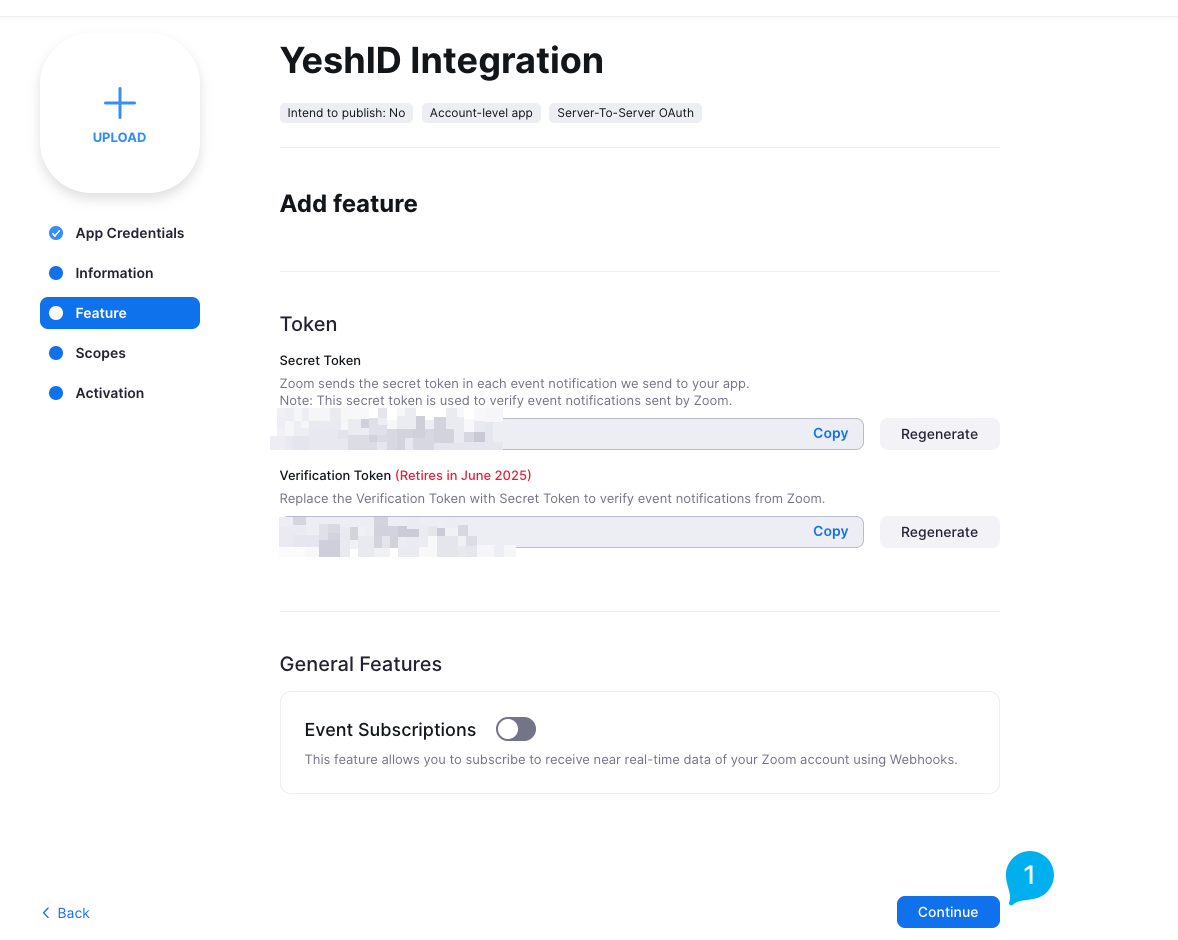
This won't actually be used anywhere because this app will not be published in the Marketplace
Hit continue to continue to Scopes
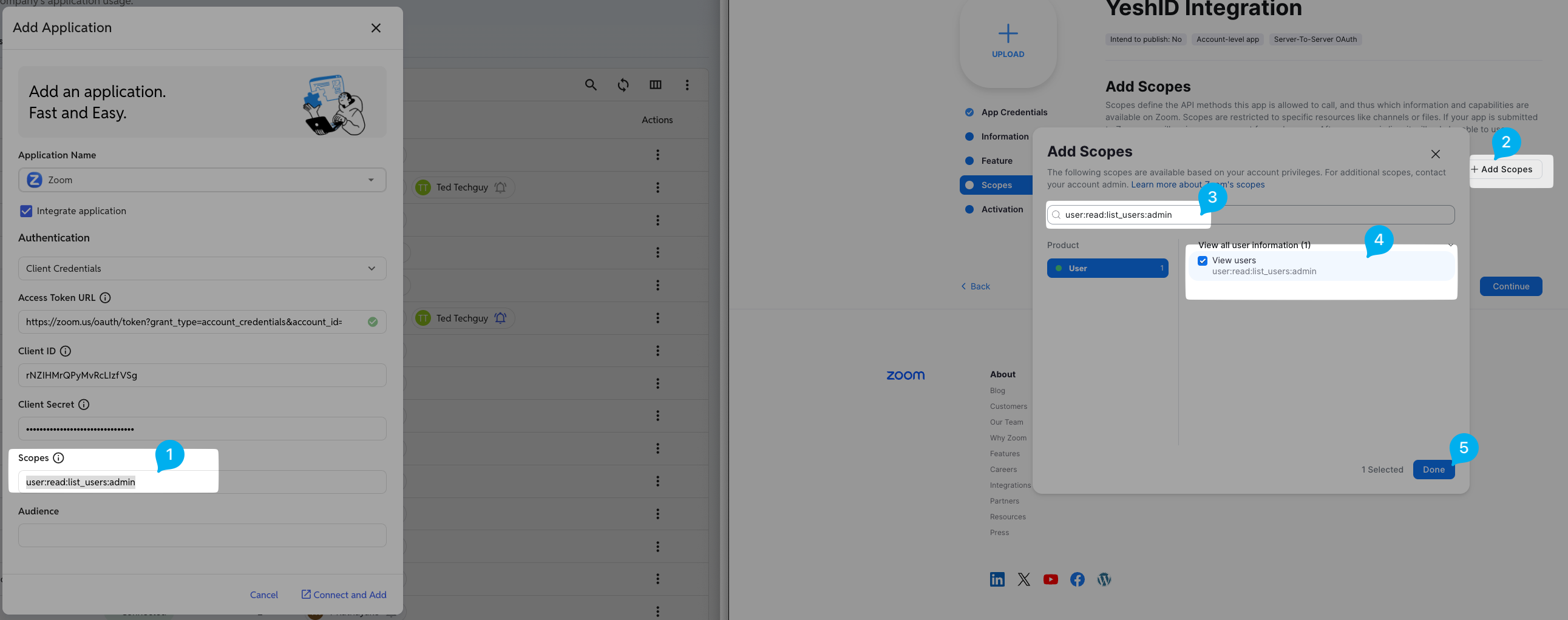
In Scopes (Zoom), add the required scopes from YeshID
Copy the Scopes from YeshID
Click "Add Scopes" in Zoom
Paste the Scopes
Select checkbox for the
user:read:list_users:adminscopeHit Done
Hit Continue
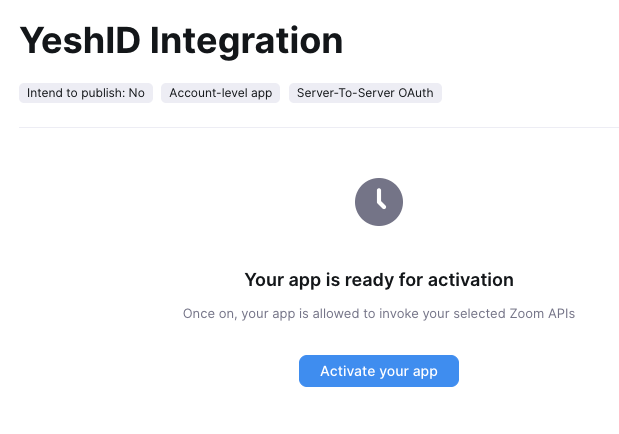
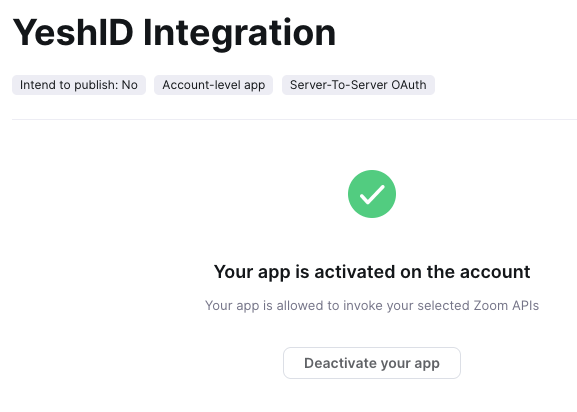
Hit Activate your app
Activate Your App | Confirm Activated |
 |  |
In YeshID, hit Connect and Add
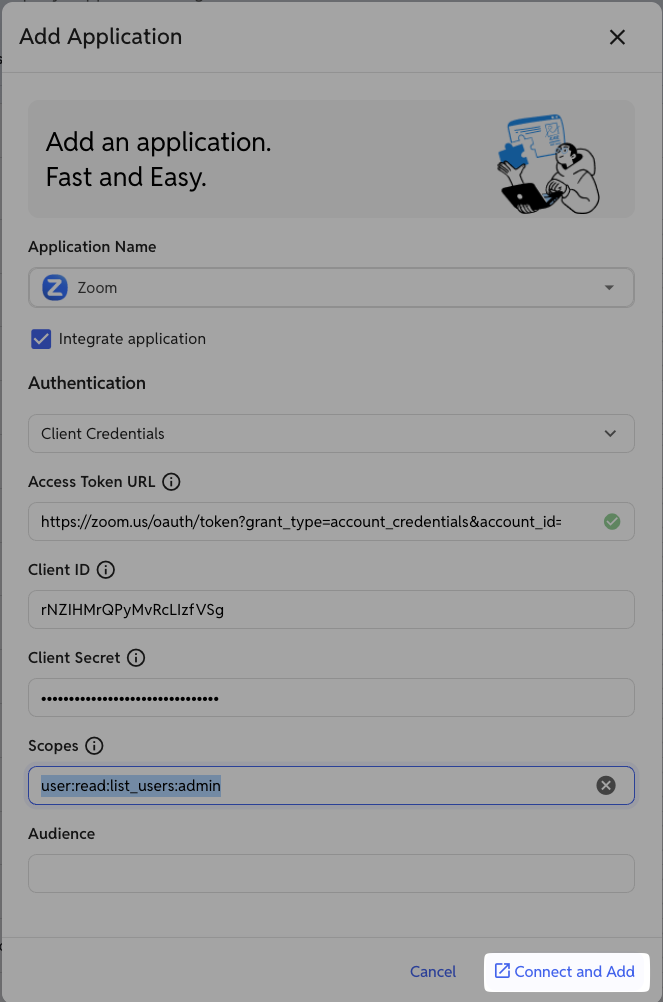
Click into Zoom
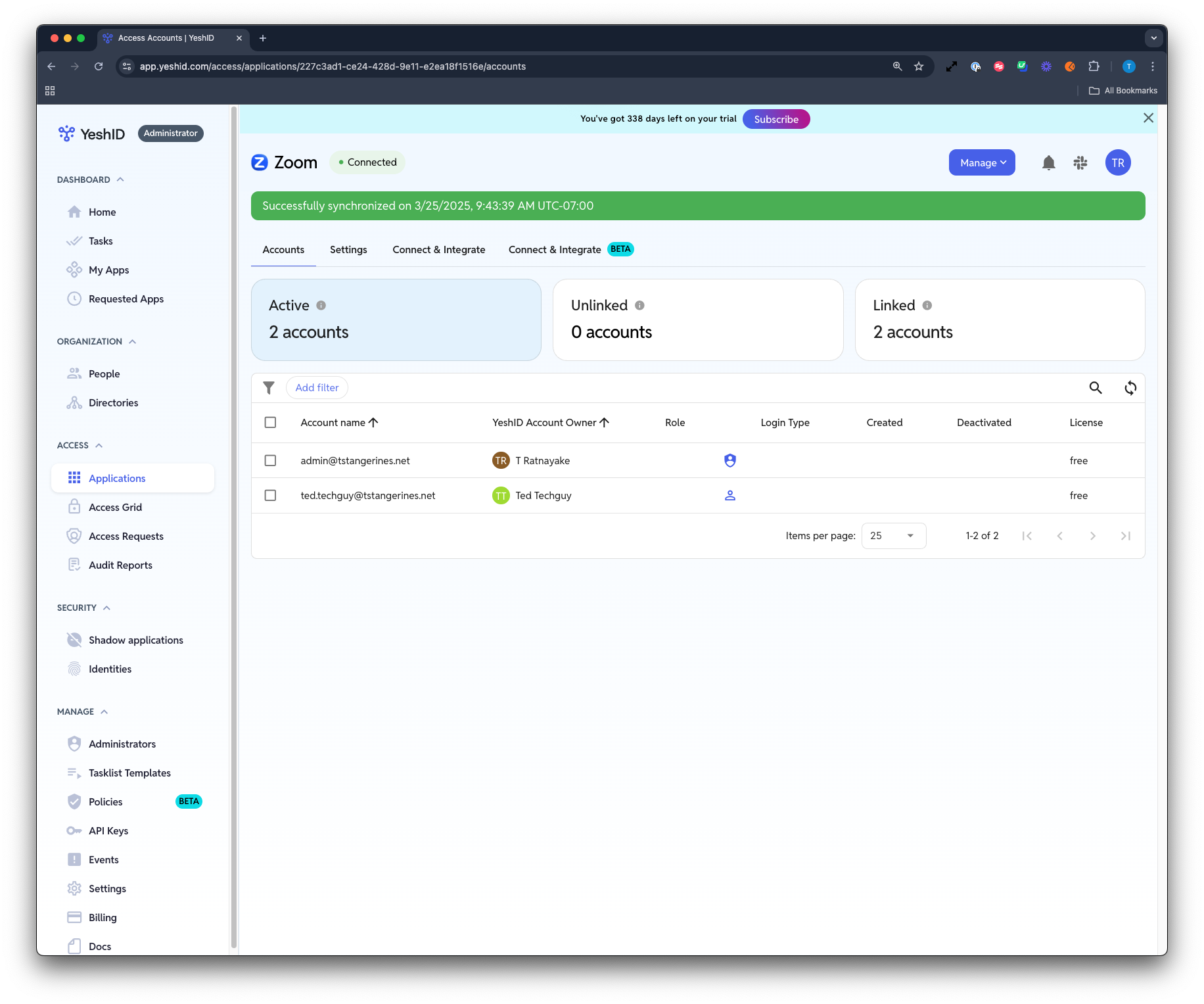
You should see the Application state go from 🔵Syncing to 🟢Connected
Write Integration
Coming Soon!