Managing Integration Actions
Last updated: September 8, 2026
YeshID integrations ship with built-in actions that dictate available behavior during workflows and syncing. These actions can be customized, or turned off altogether.
The steps in this guide are for an existing application, but are identical in the onboarding flow for a new application
Steps to modify an integration's actions
Navigate to Applications > Application > Edit
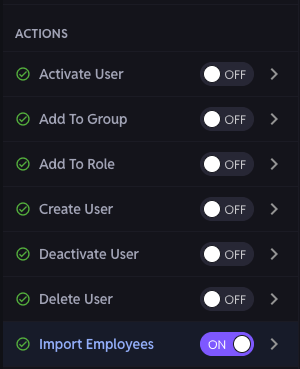
Under the Actions section on the left-hand side, all available connector actions are displayed
Actions can be overridden with custom code, and certain actions (Like Import Employees) can have additional customizations made
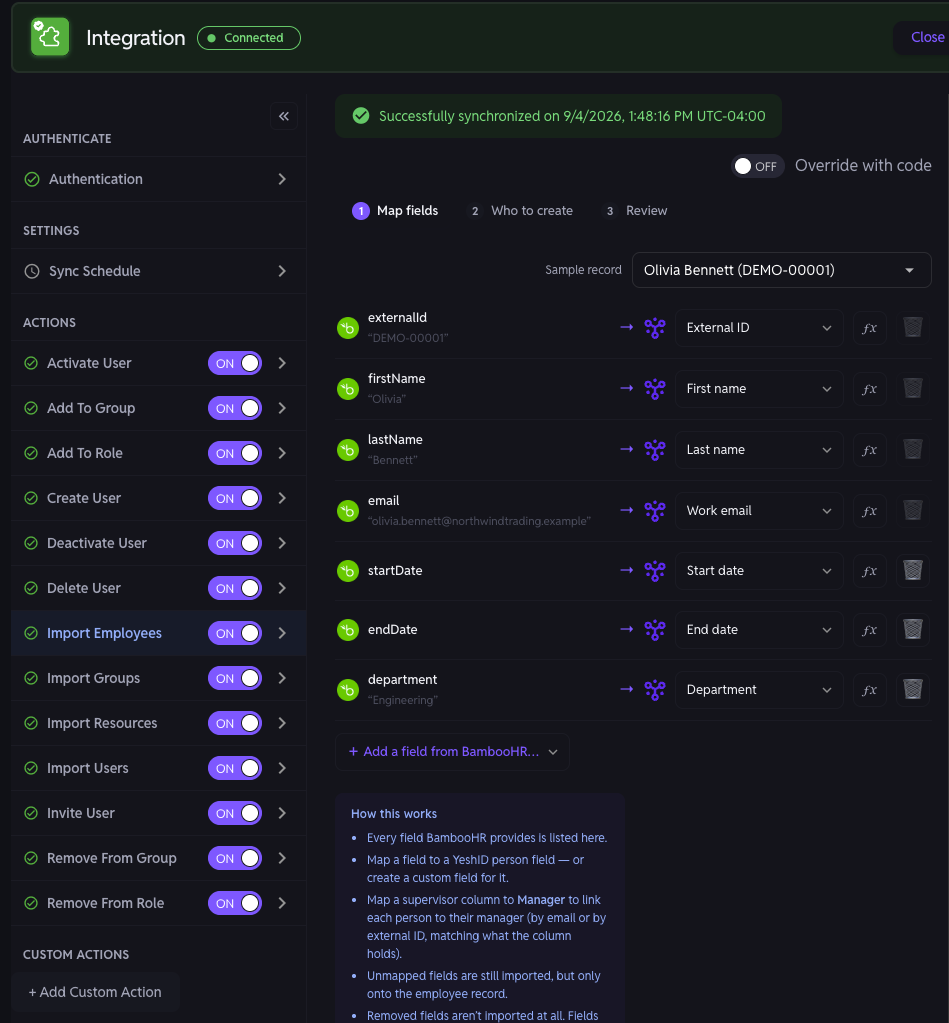
Actions can also be disabled as well, if the application is sensitive or if you don't have approval to integrate with write-capabilities. To disable an action, toggle On > Off. Capabilities that have been toggled off cannot be invoked and will not run