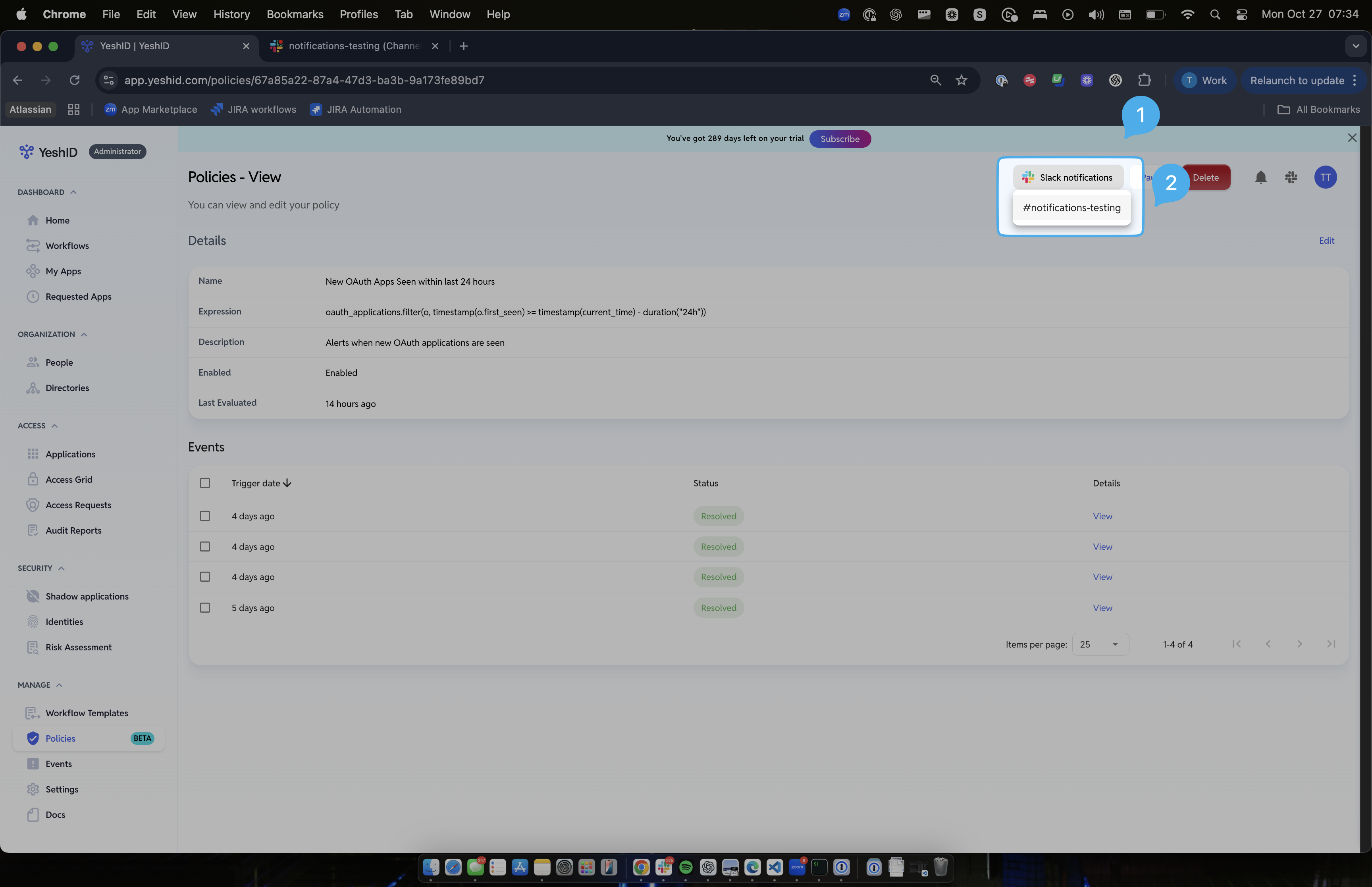
Enable Slack Notifications from YeshID Policies [BETA]
Last updated: October 27, 2025
Introduction
This document goes over how to route notifications from policies into Slack
Steps
1. Connect Slack
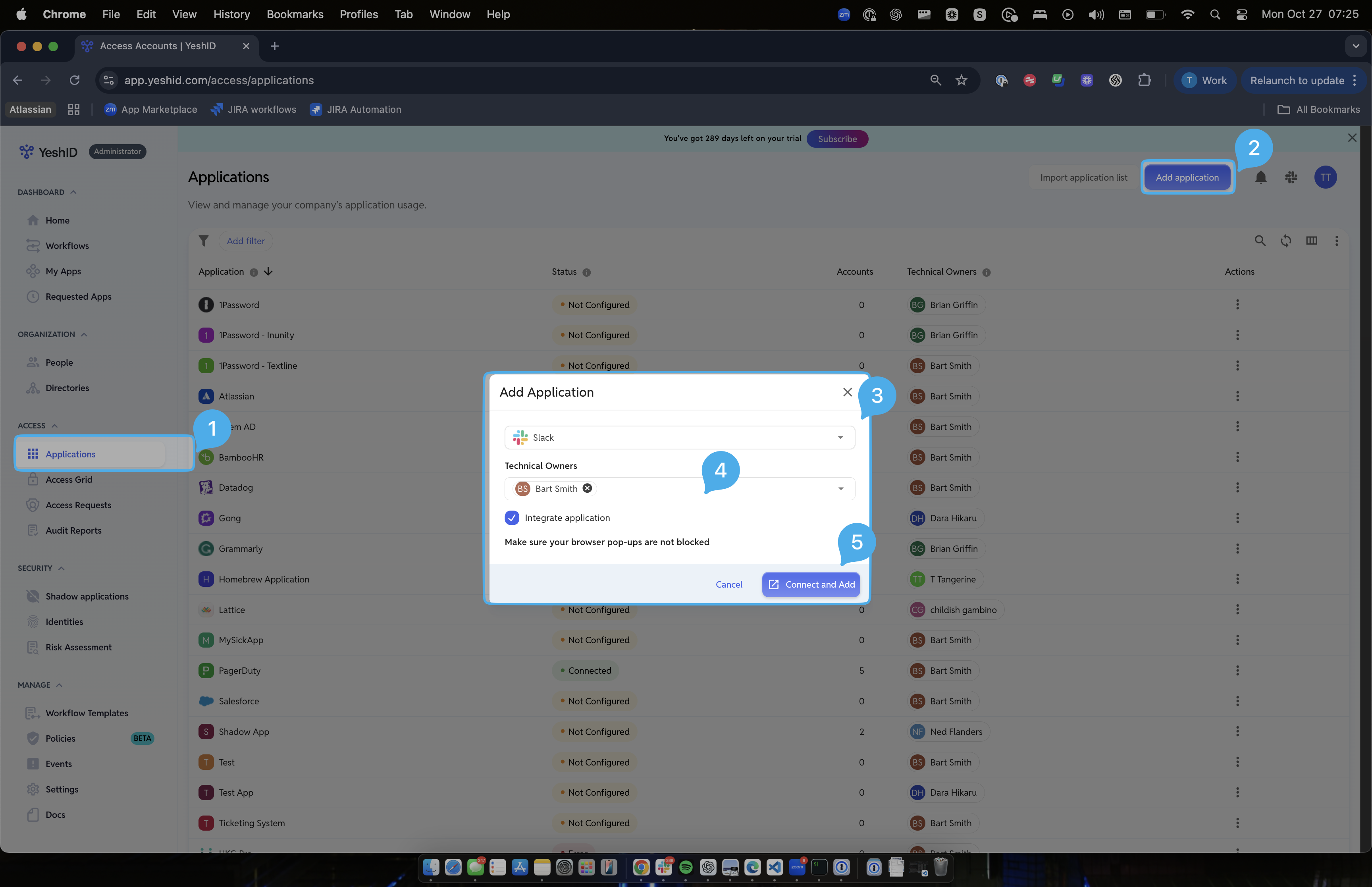
In Applications, add Application: Slack
Click "Conect and Add"
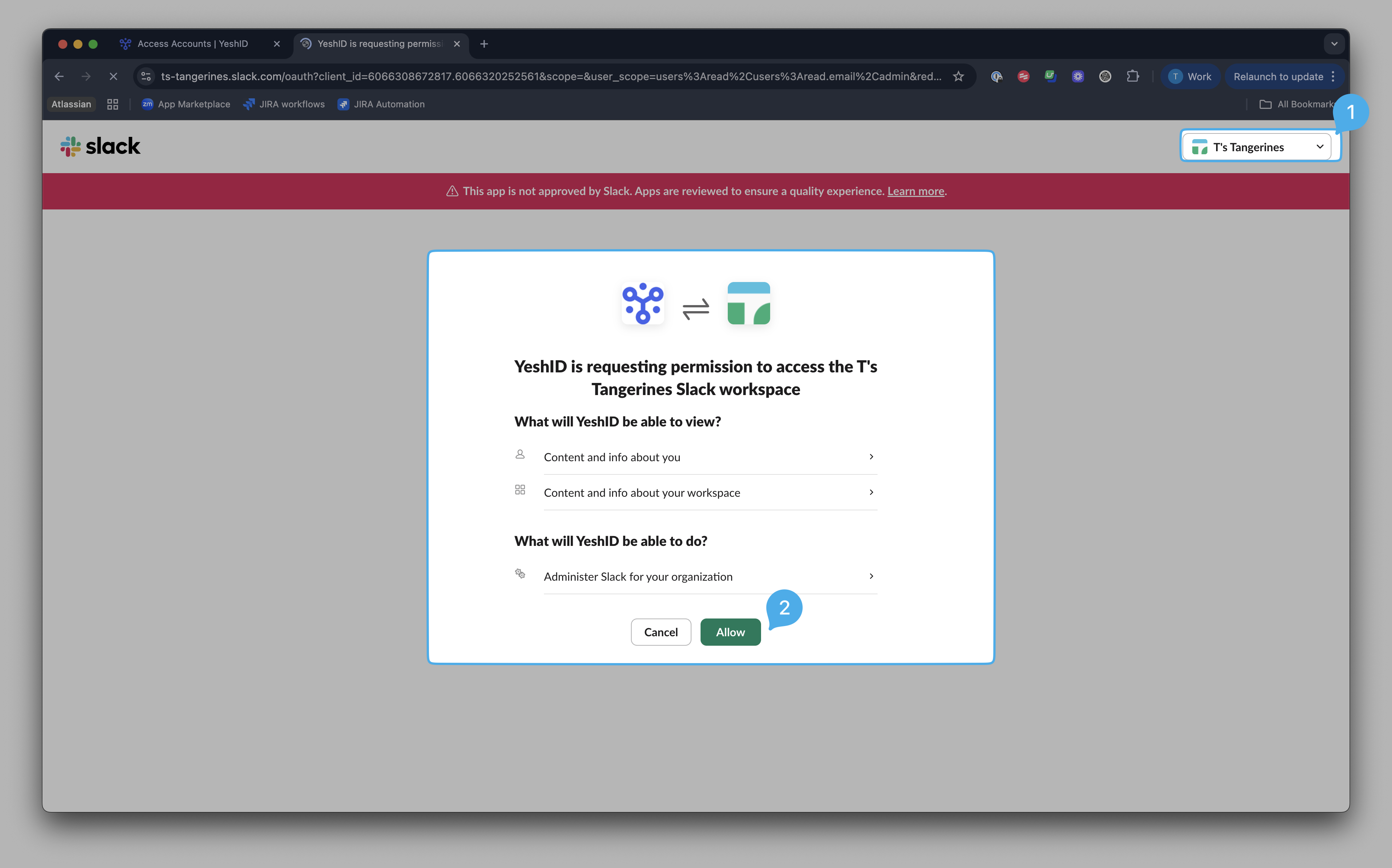
Choose your correct workspace and click allow
2. Add the YeshID bot to your Slack workspace
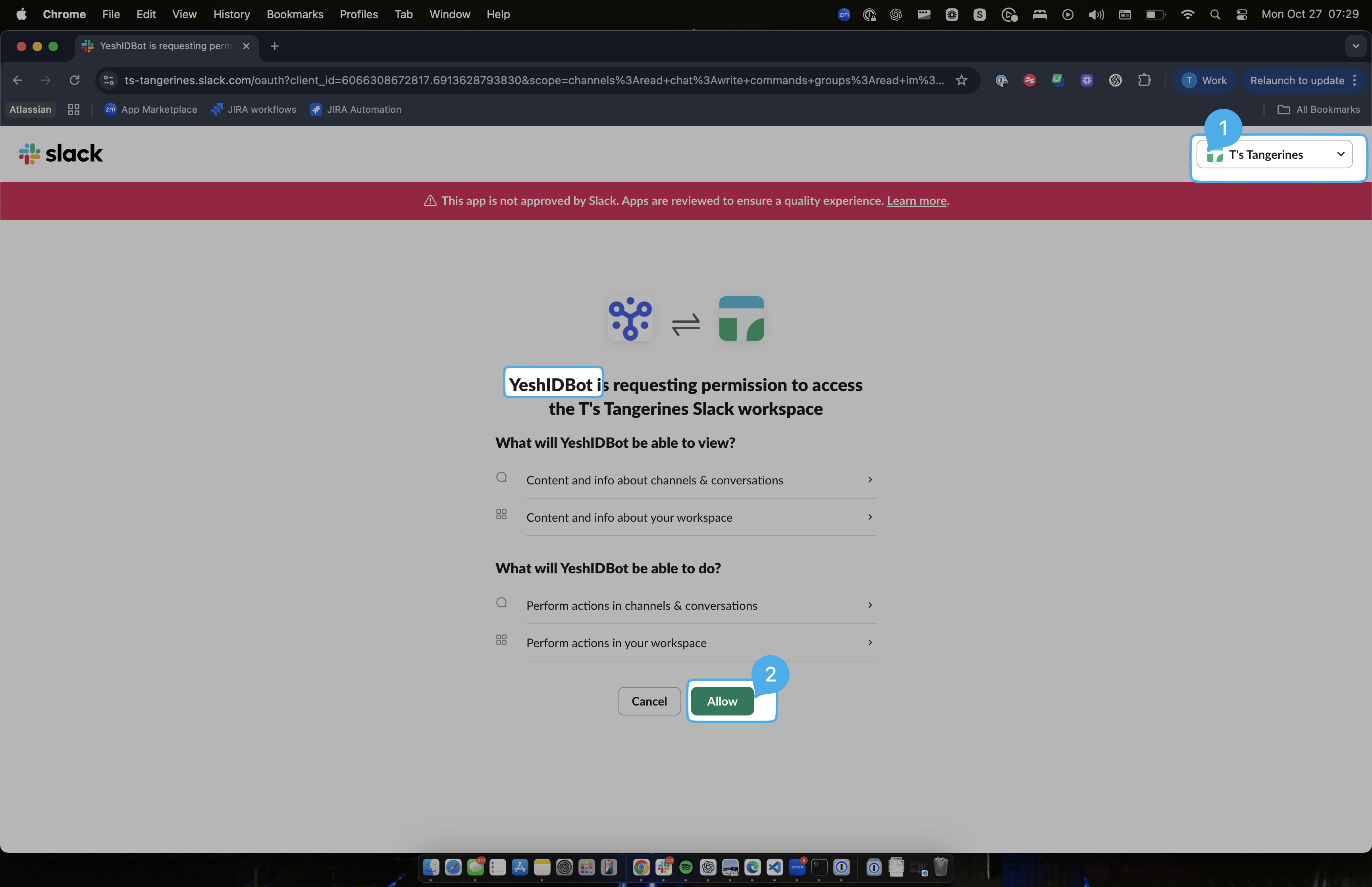
Go to Settings > Notifications and click "Add to Slack"
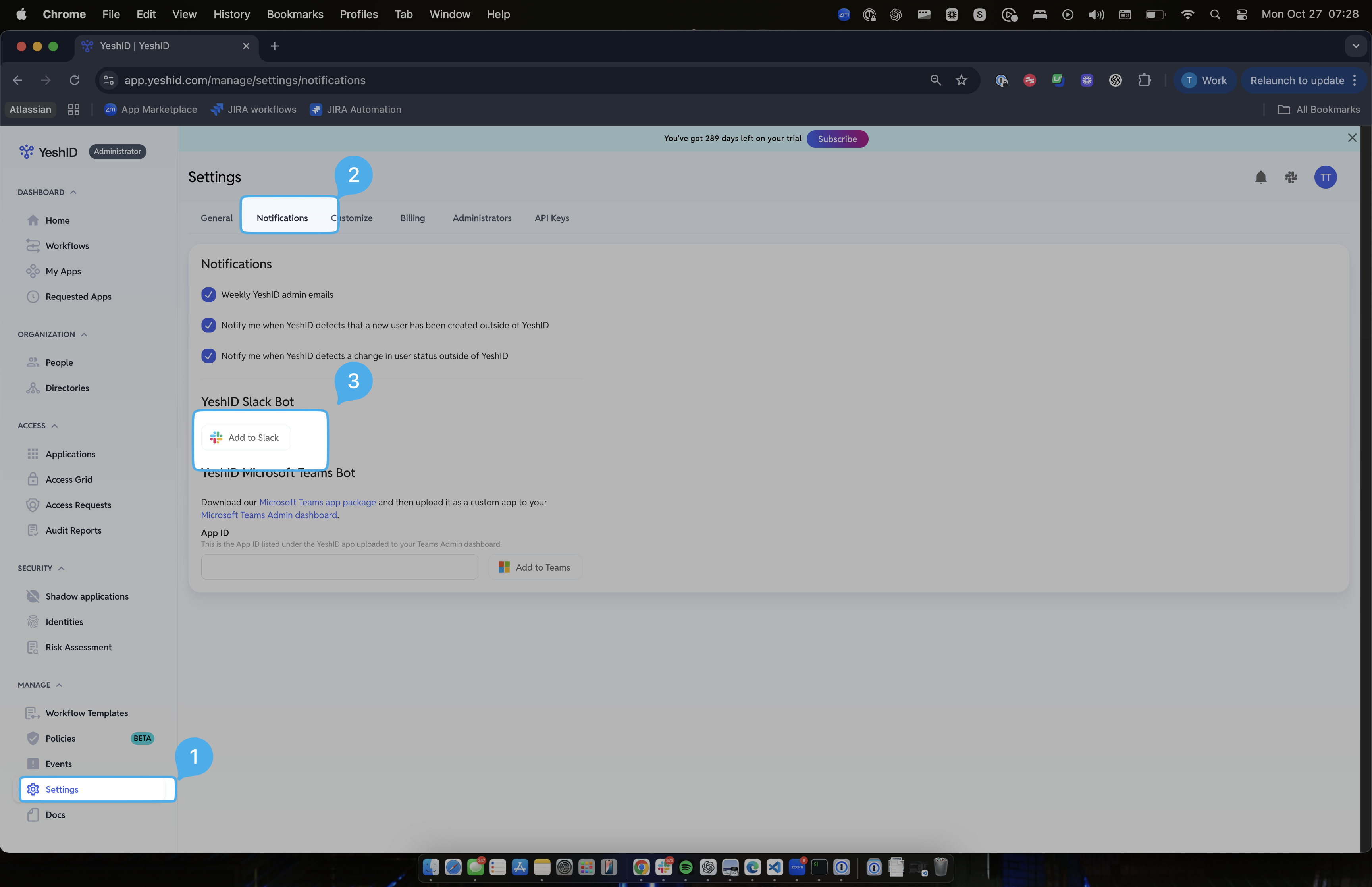
Choose your correct Slack Workspace and hit "Allow"
Isn't this the same thing we did earlier?
Nope! Previous was the connection to sync users with YeshID (for Access Grid updates etc), this is the connection to enable notifications and posting to channels.
3. Add the YeshID bot to your desired channel
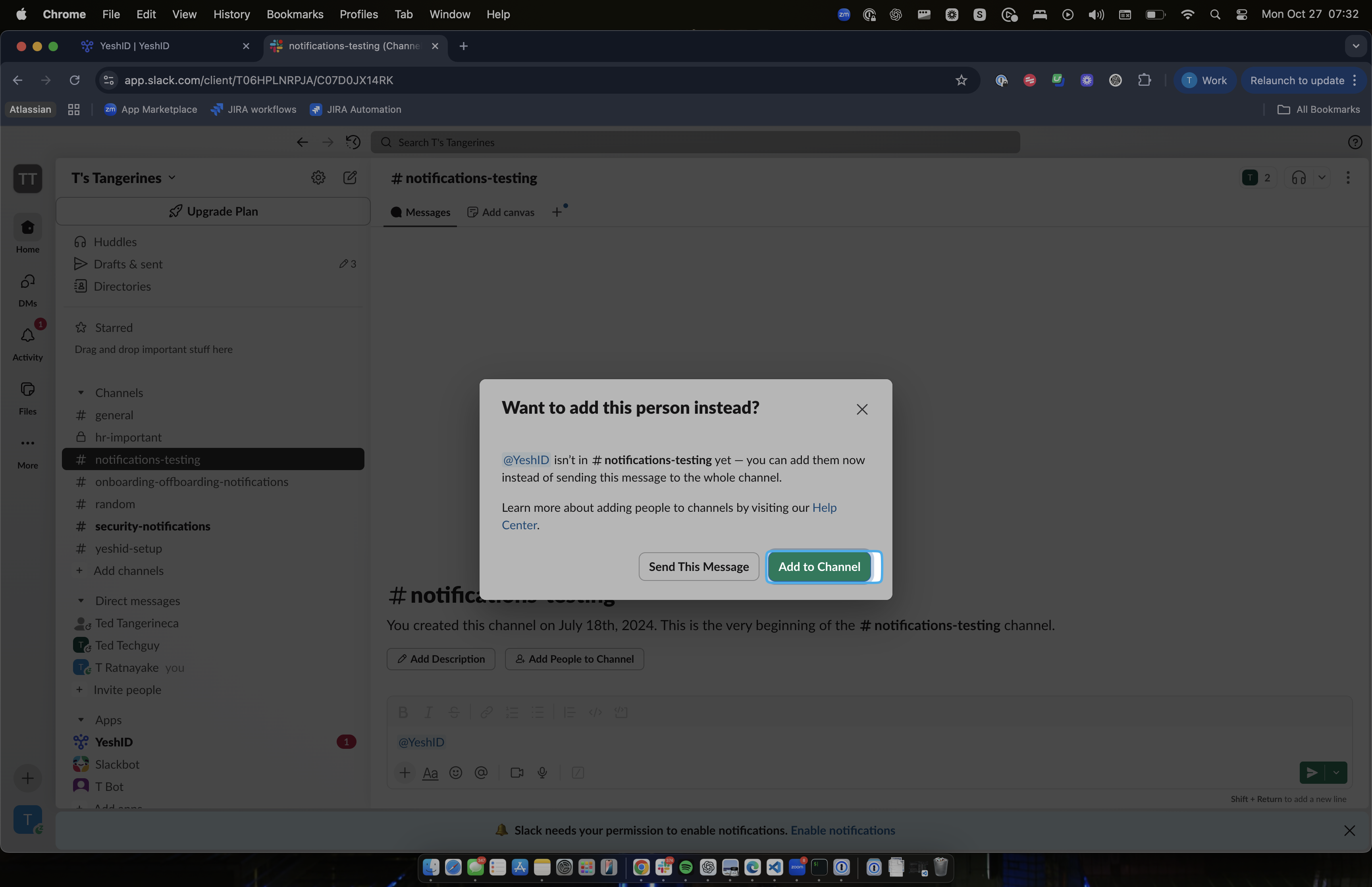
Go into your desired channel
Type
@YeshIDand hit add
4. Enable notifications from Policies
Navigate to https://app.yeshid.com/policies and enable the policy
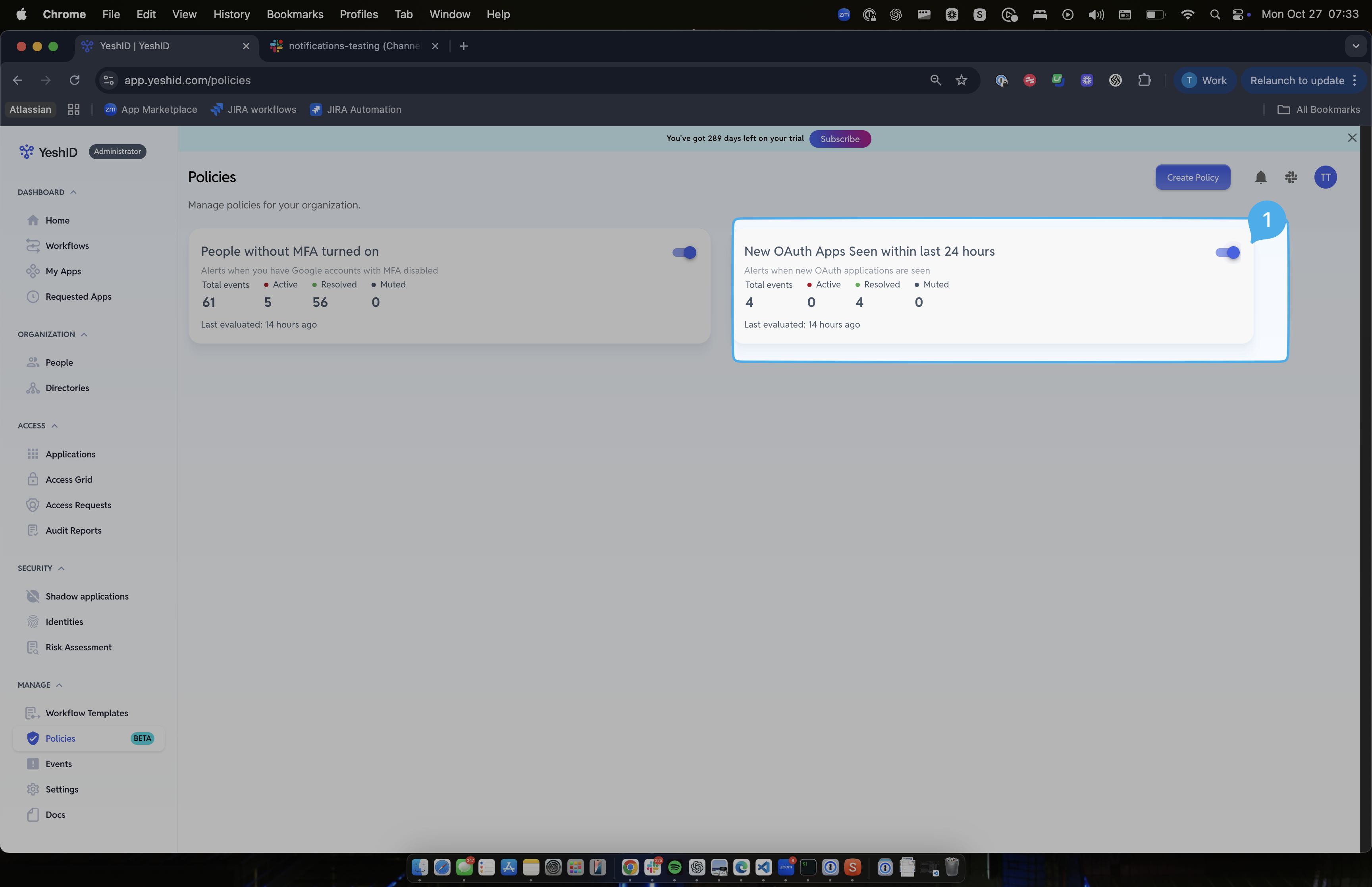
Click "Slack Notifications"
Choose the channel you added in Step 3.