Pausing the YeshID POC
Last updated: June 12, 2025
Introduction
There may be times during a Proof of Concept (POC) that you may need to pause the connection to YeshID. By following these steps, you can disconnect YeshID from your Google Workspace for any future syncs while still allowing you to preserve any work completed on the POC.
Steps:
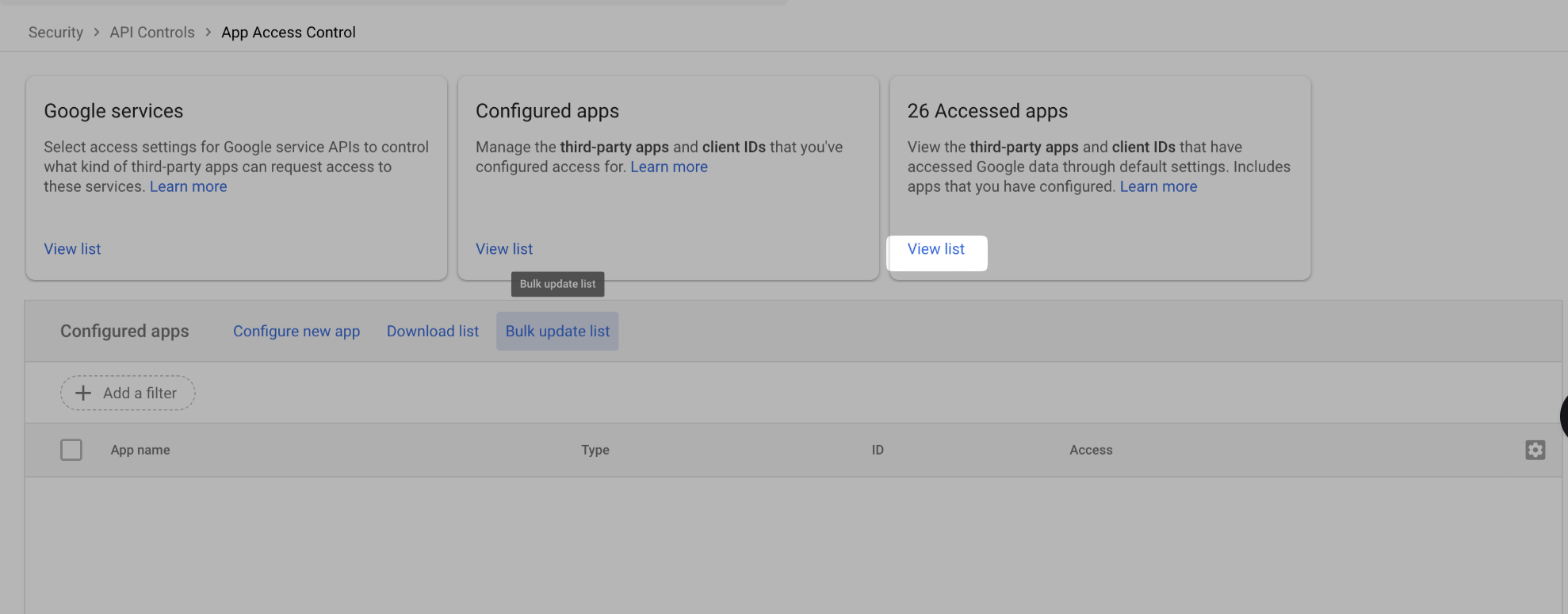
Navigate to https://admin.google.com/ac/owl/list?tab=configuredApps and click "View List" under XX Access Apps
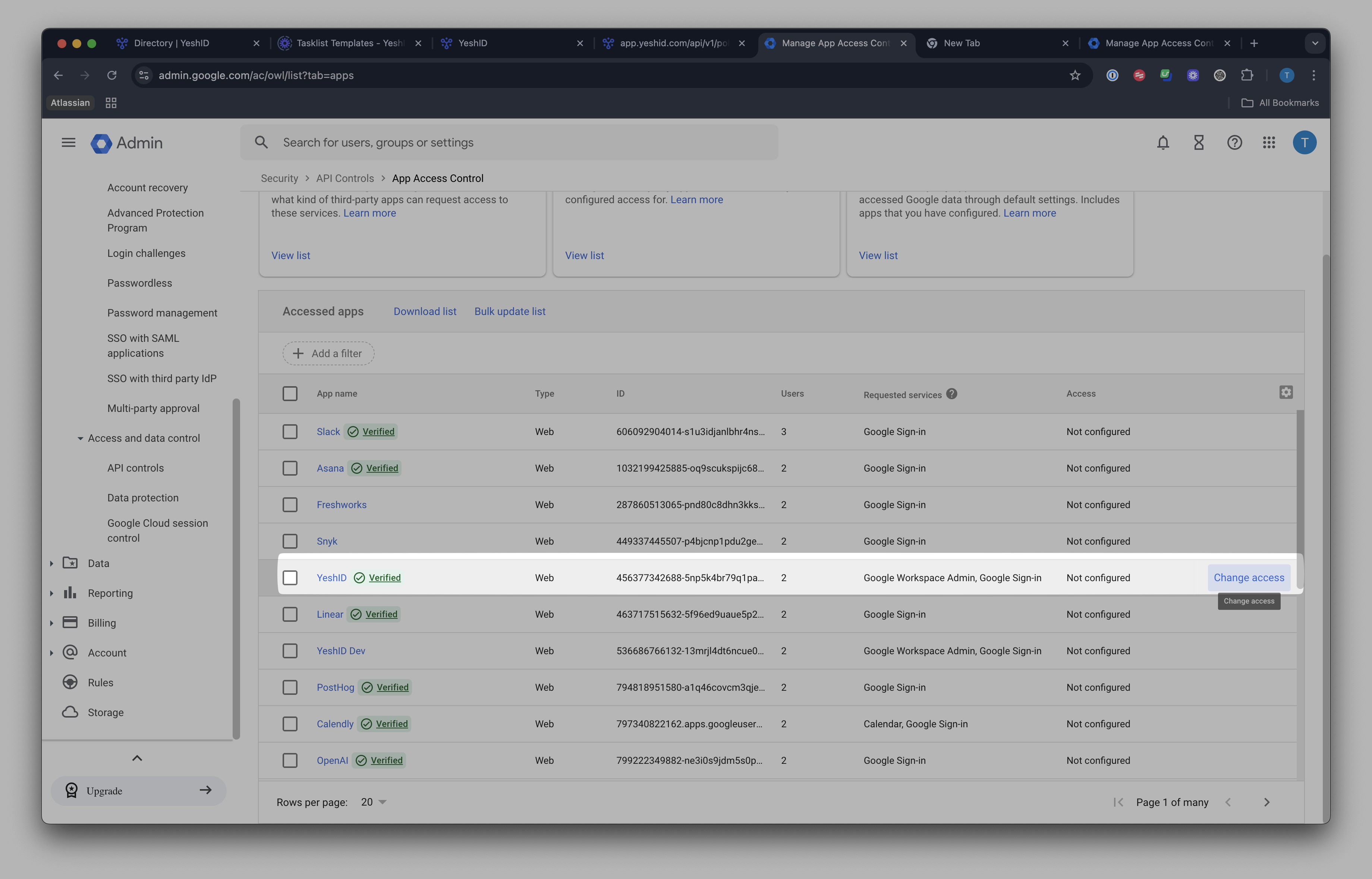
Find YeshID from your list and click "Change Access"
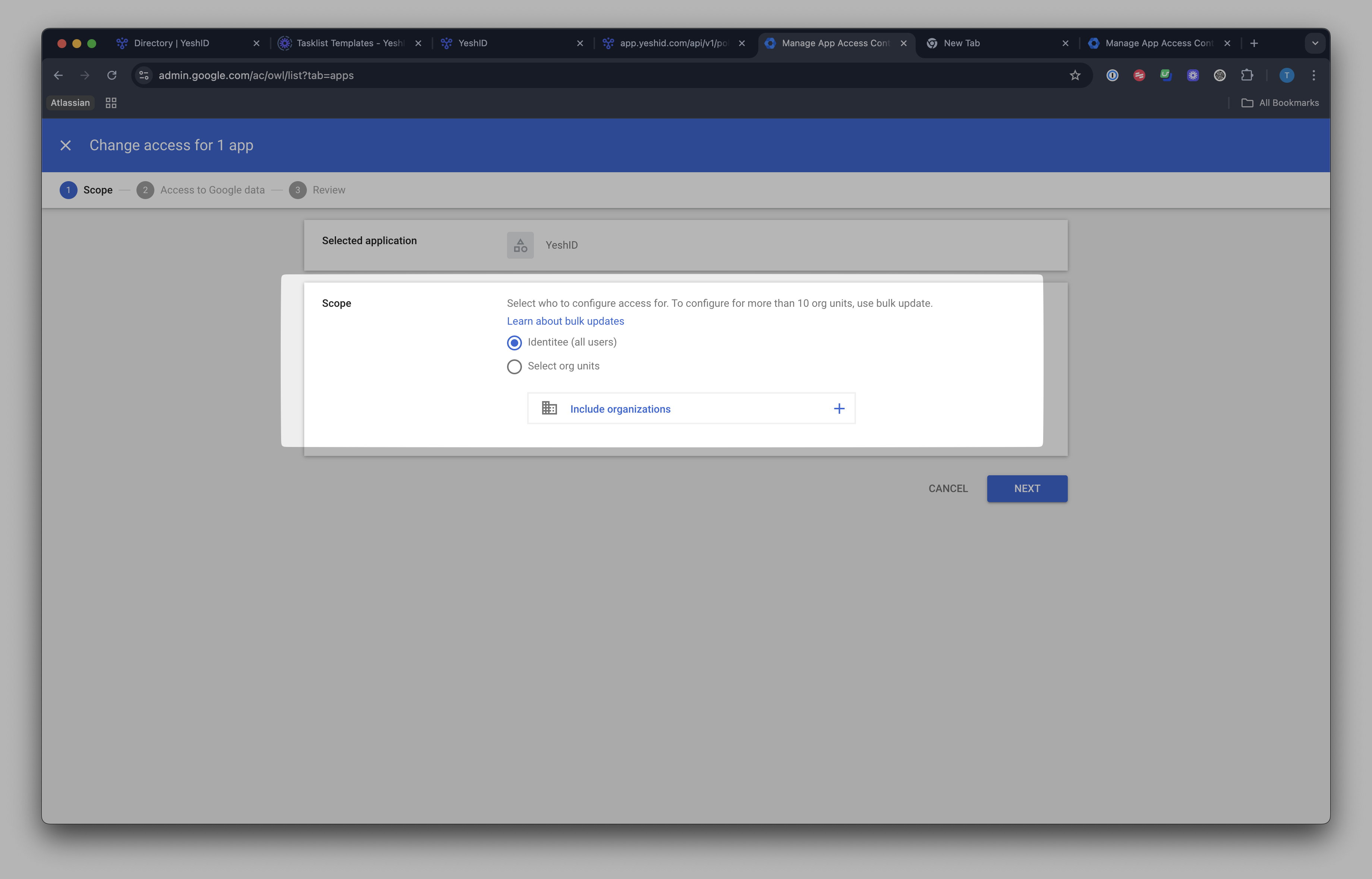
Choose All Users
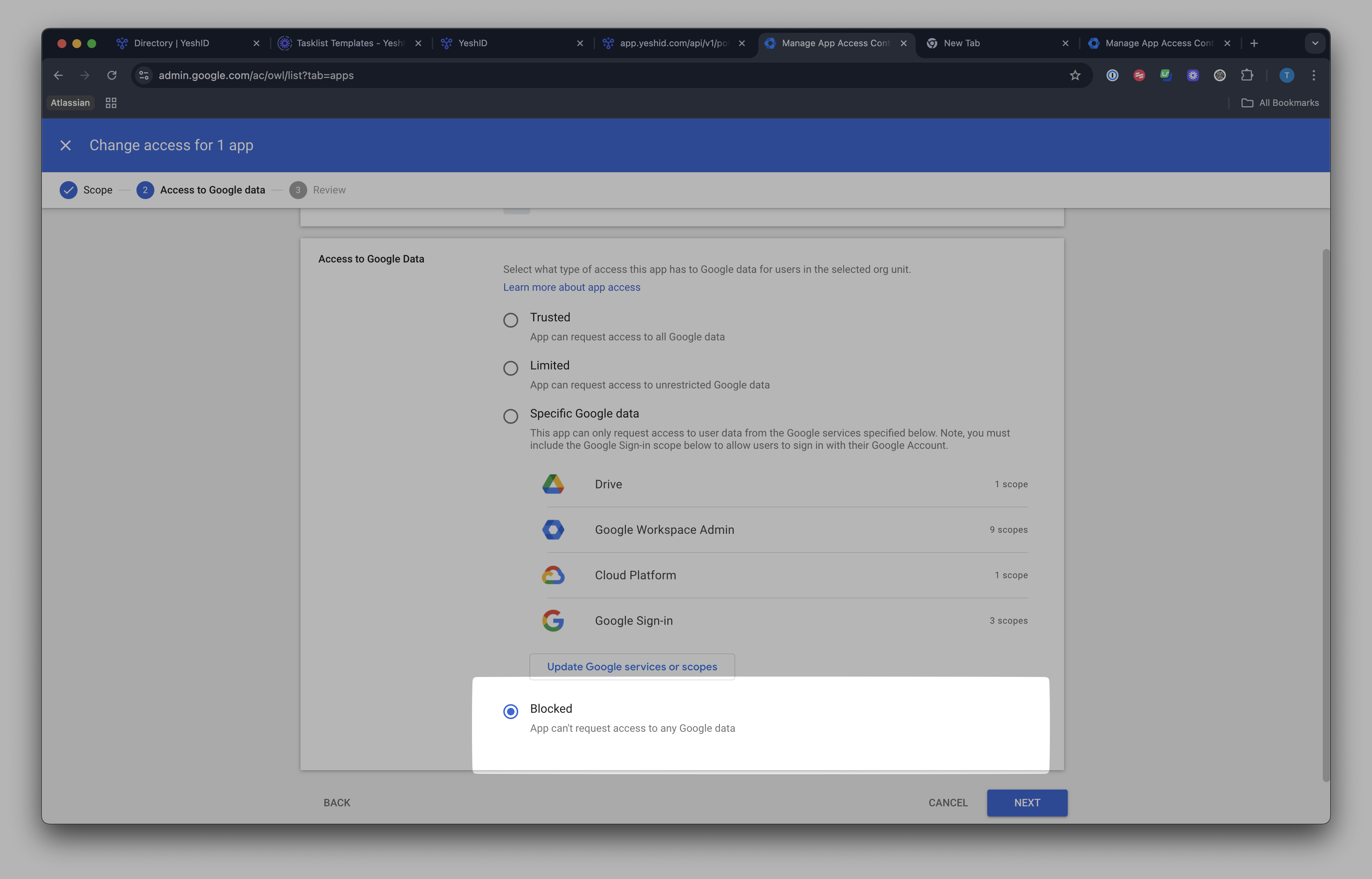
Set access to Blocked and hit Next
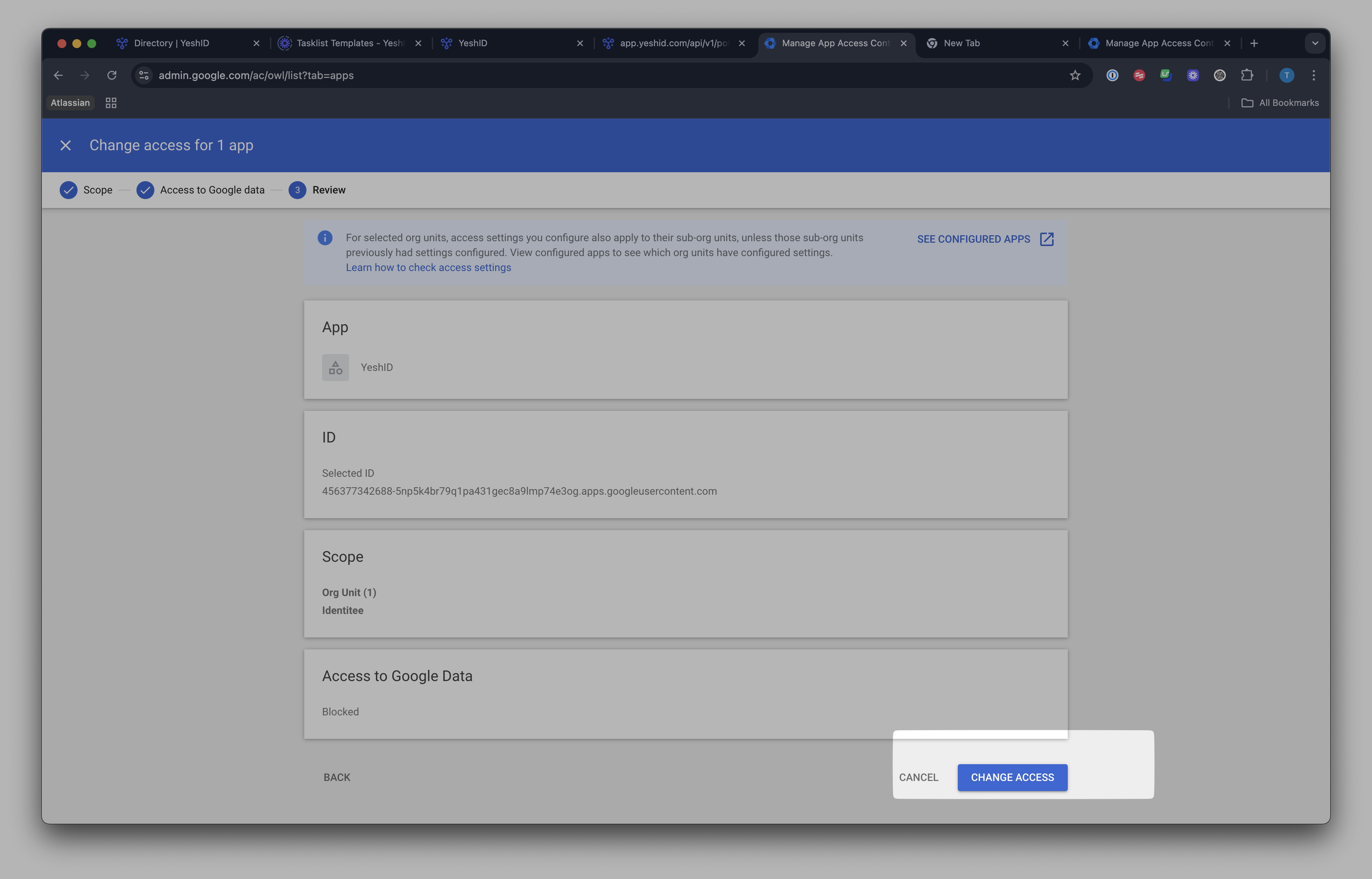
Click "Change Access"
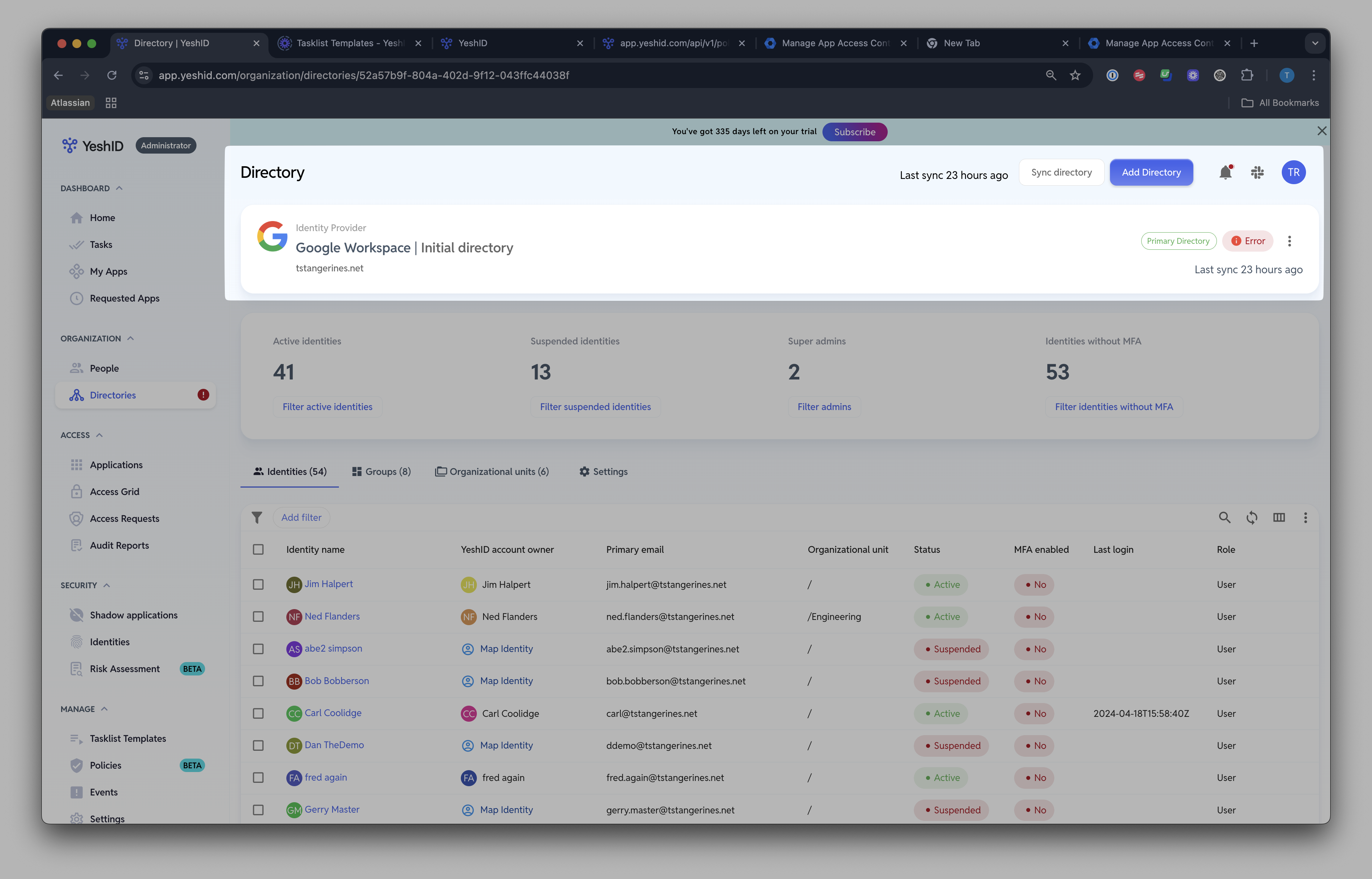
Validate by trying to sync in YeshID. You will now see an error proving that YeshID can no longer sync with your GWS
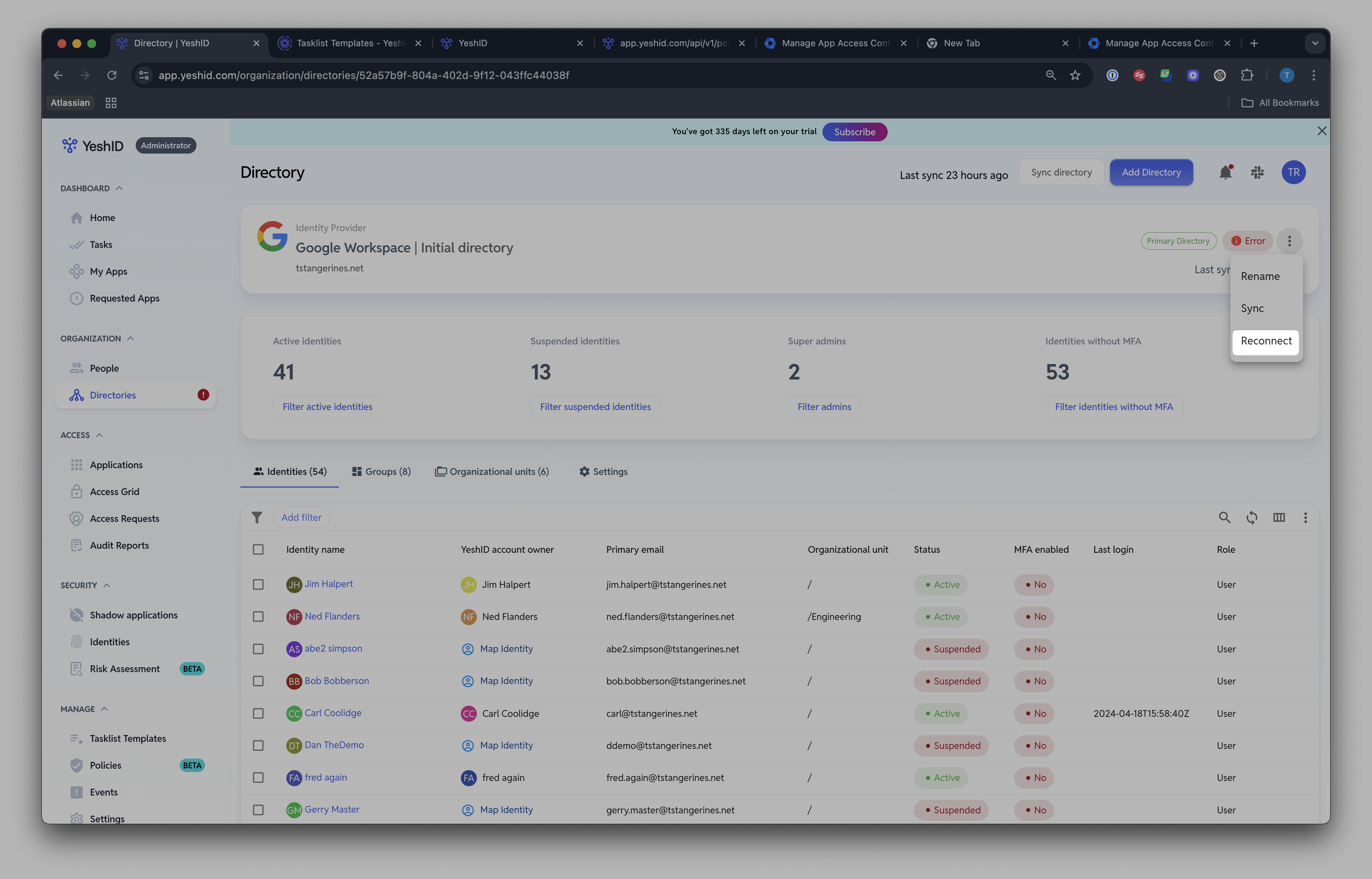
I'm ready to resume my POC
Resuming the connection with YeshID is as simple as clicking 'Reconnect'