Connect & Integrate Zoom using Scim [BETA]
Last updated: July 2, 2025
Introduction
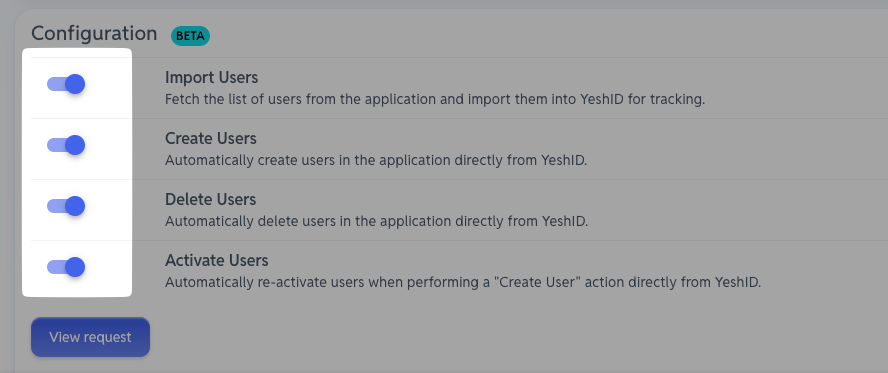
Connecting YeshID with Zoom using SCIM will allow you to automate certain actions such as Importing, Creating, Deleting and Activating users automatically.
Steps
Pre-Requisites:
Zoom Owner or Admin privileges.
Business or Education account with approved Vanity URL.
Single Sign-On enabled.
1. Create a Marketplace Application in Zoom
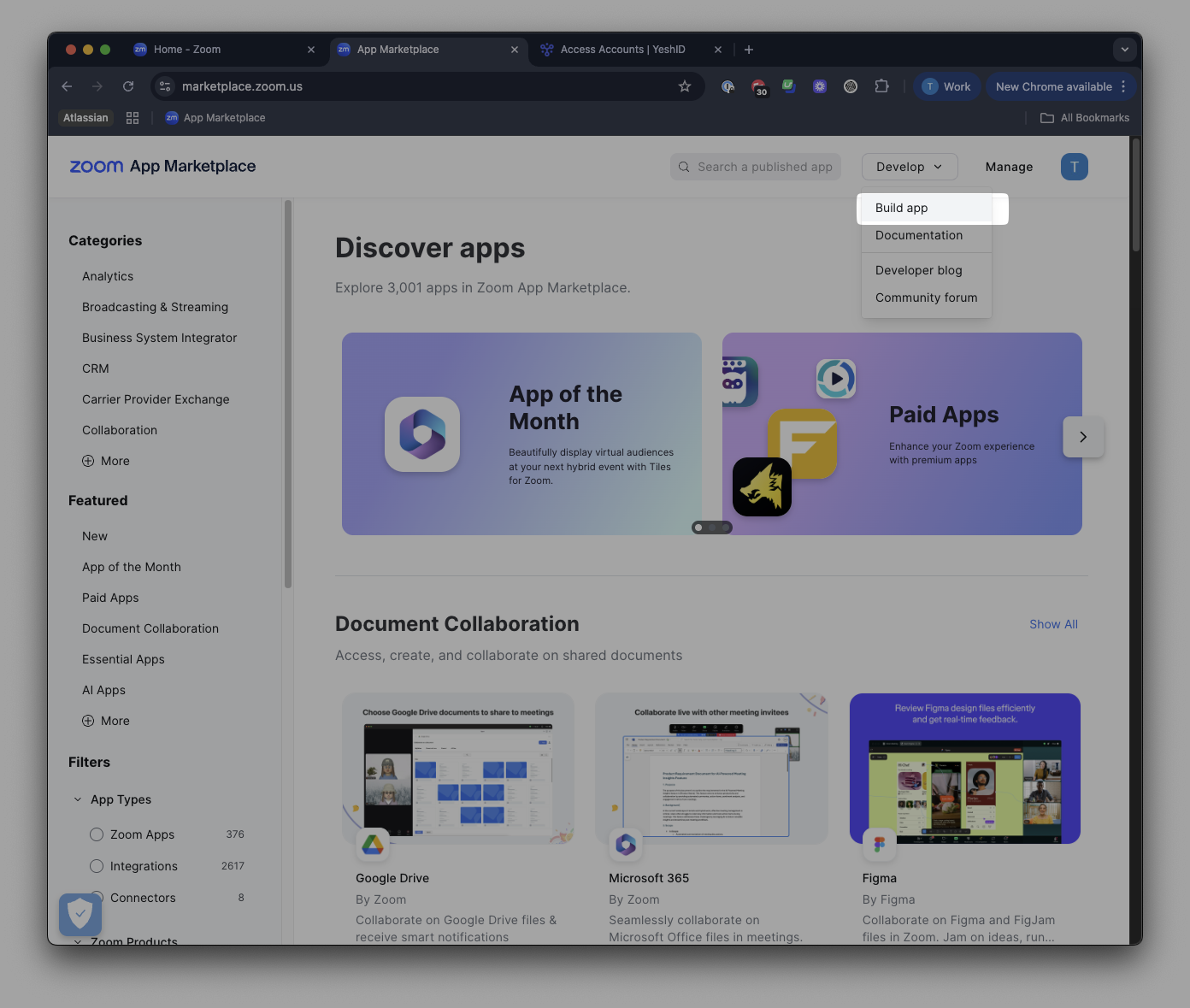
Navigate to https://marketplace.zoom.us and click Build app
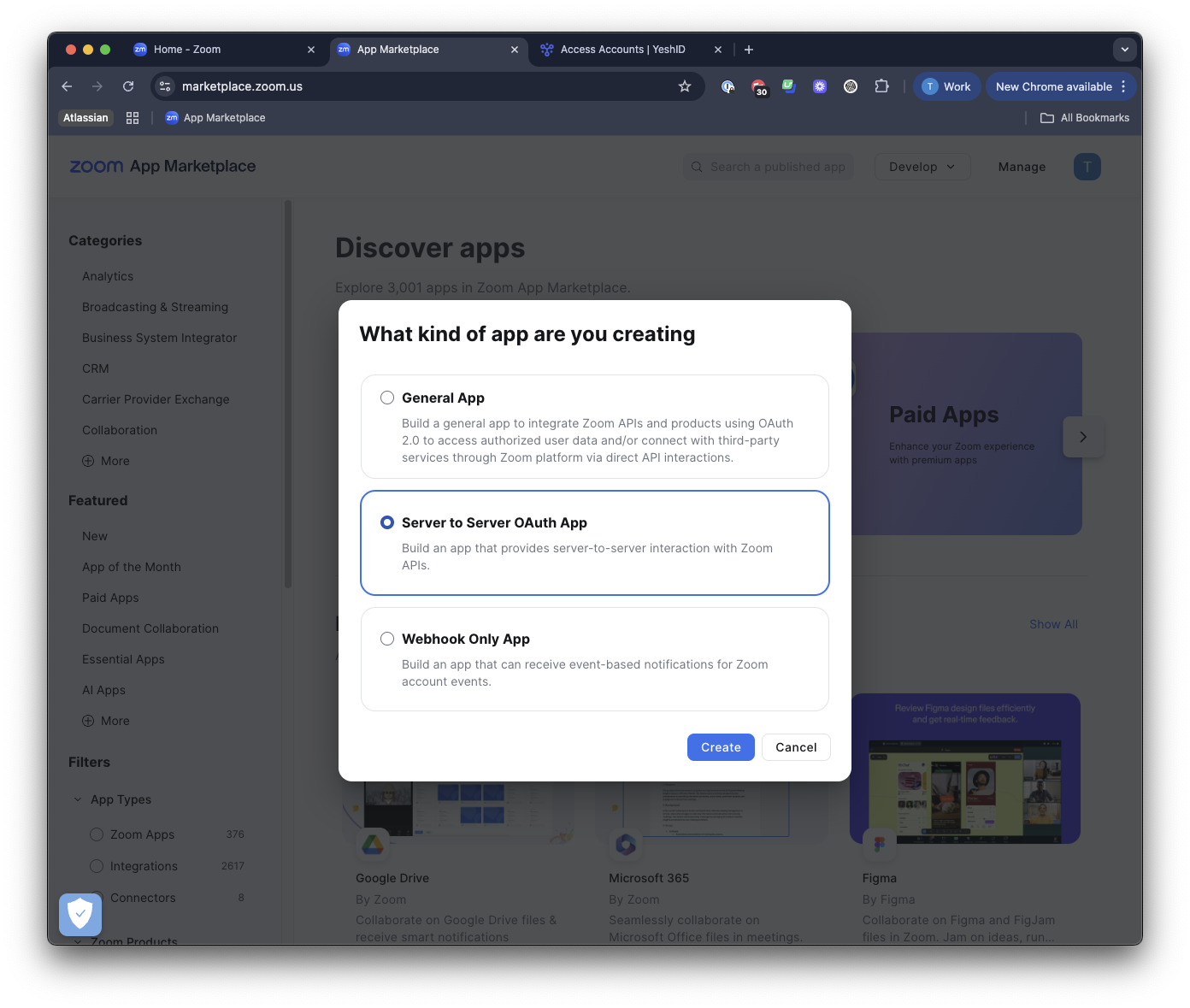
Click "Server to Server OAuth App"
Name it something descriptive (i.e.
YeshID Integration)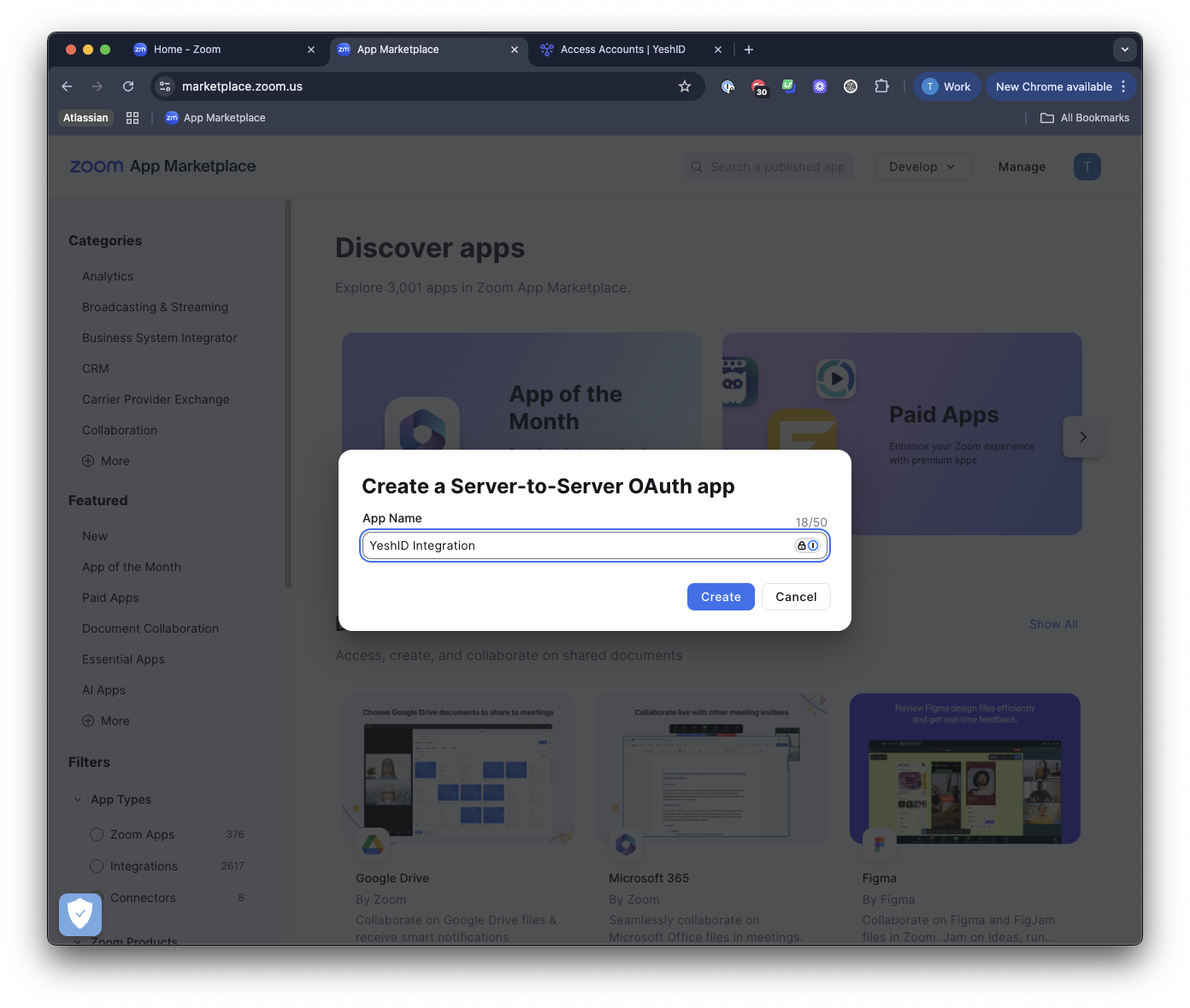
Store the
Client IDandClient Secretsomewhere safe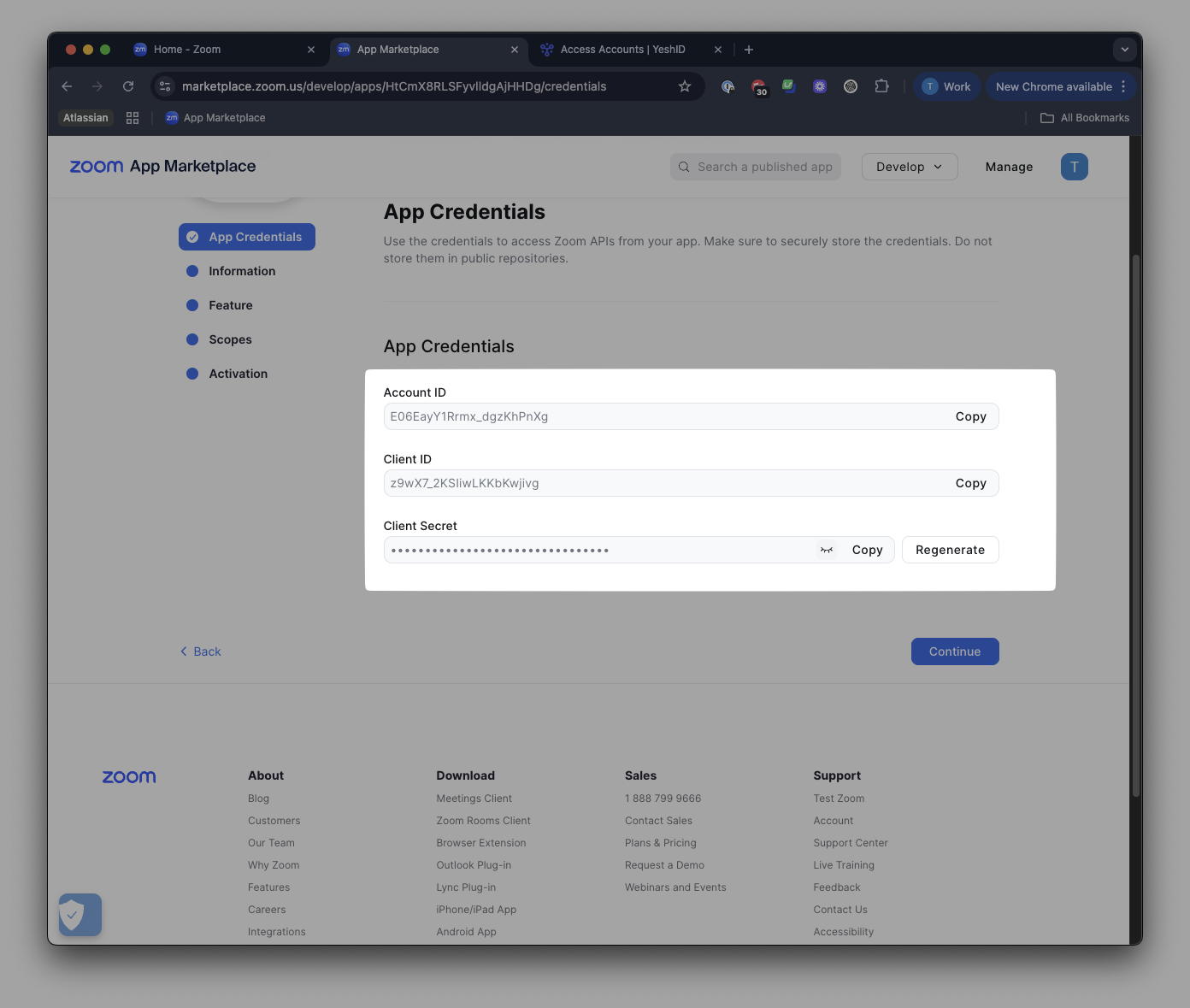
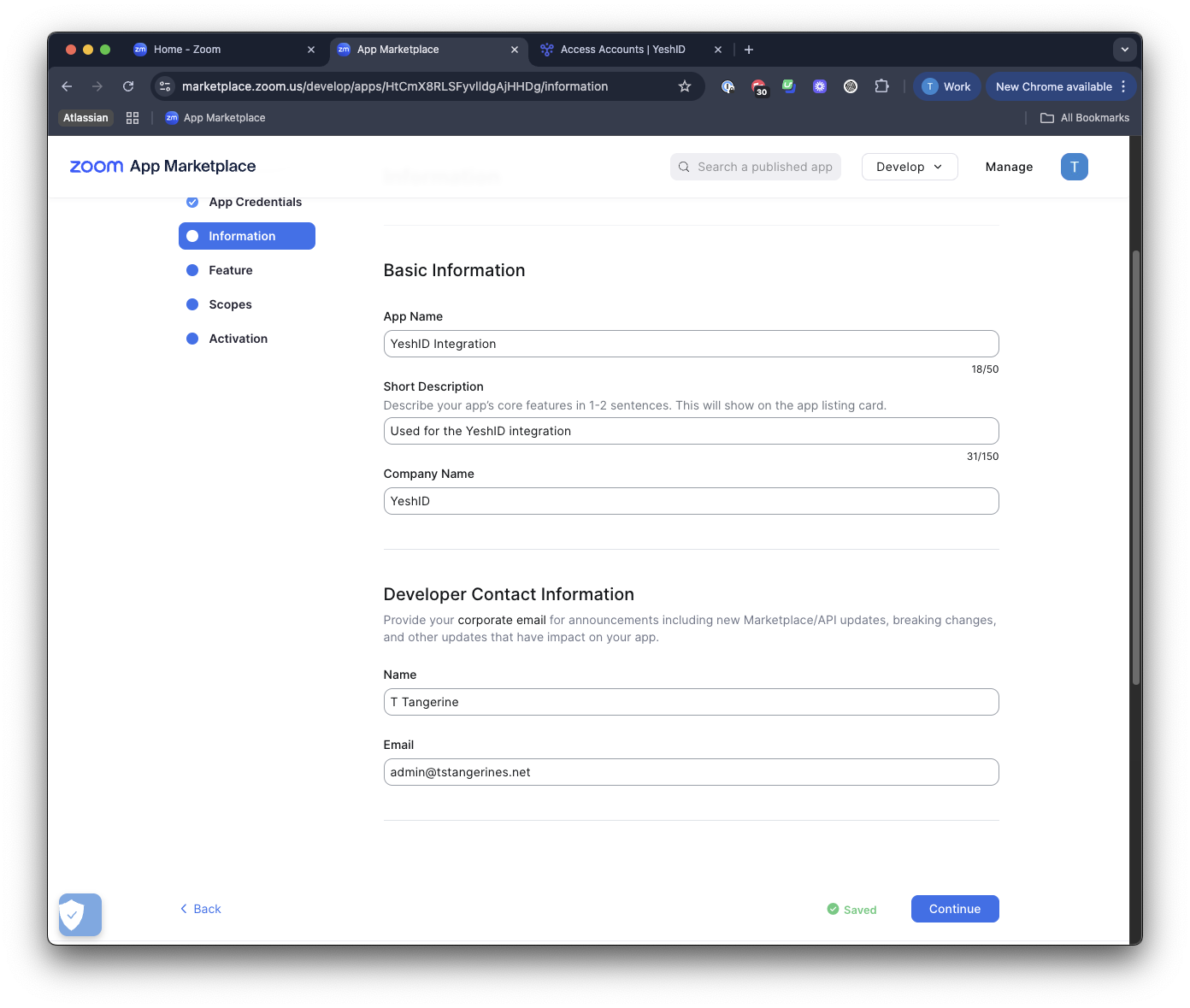
Add in Basic Information
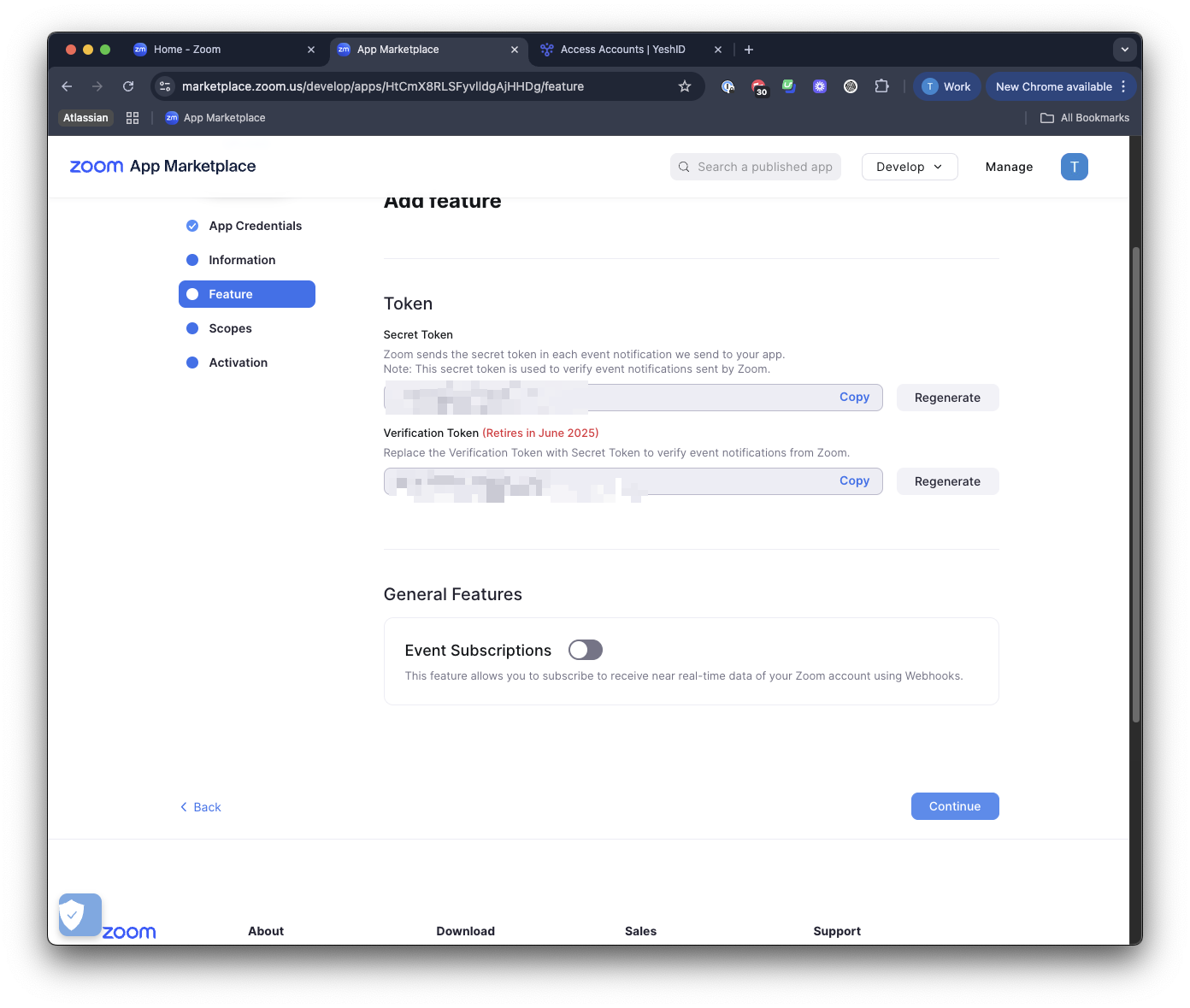
Leave the Feature screen as default
Add relevant Scopes
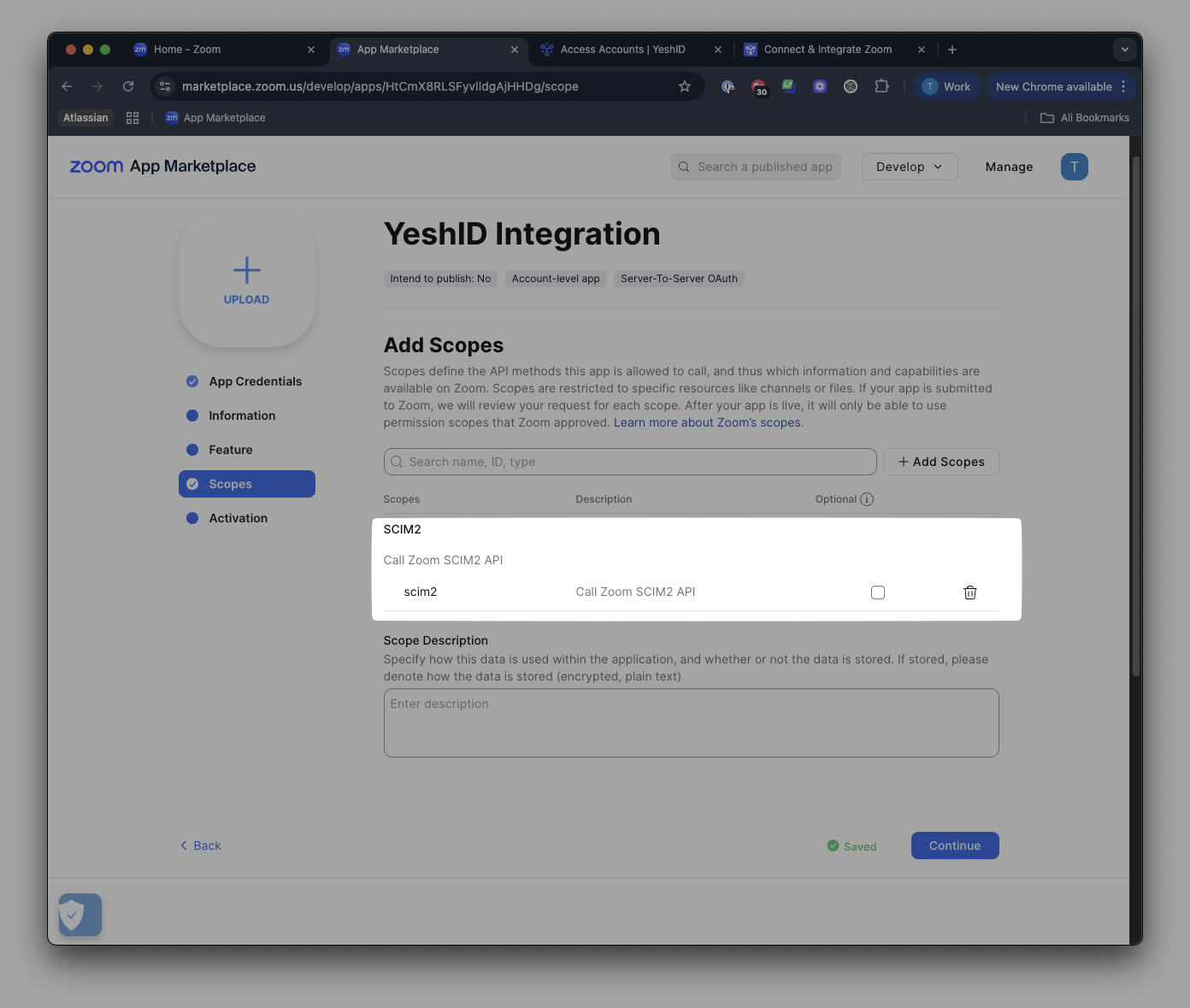
scim2
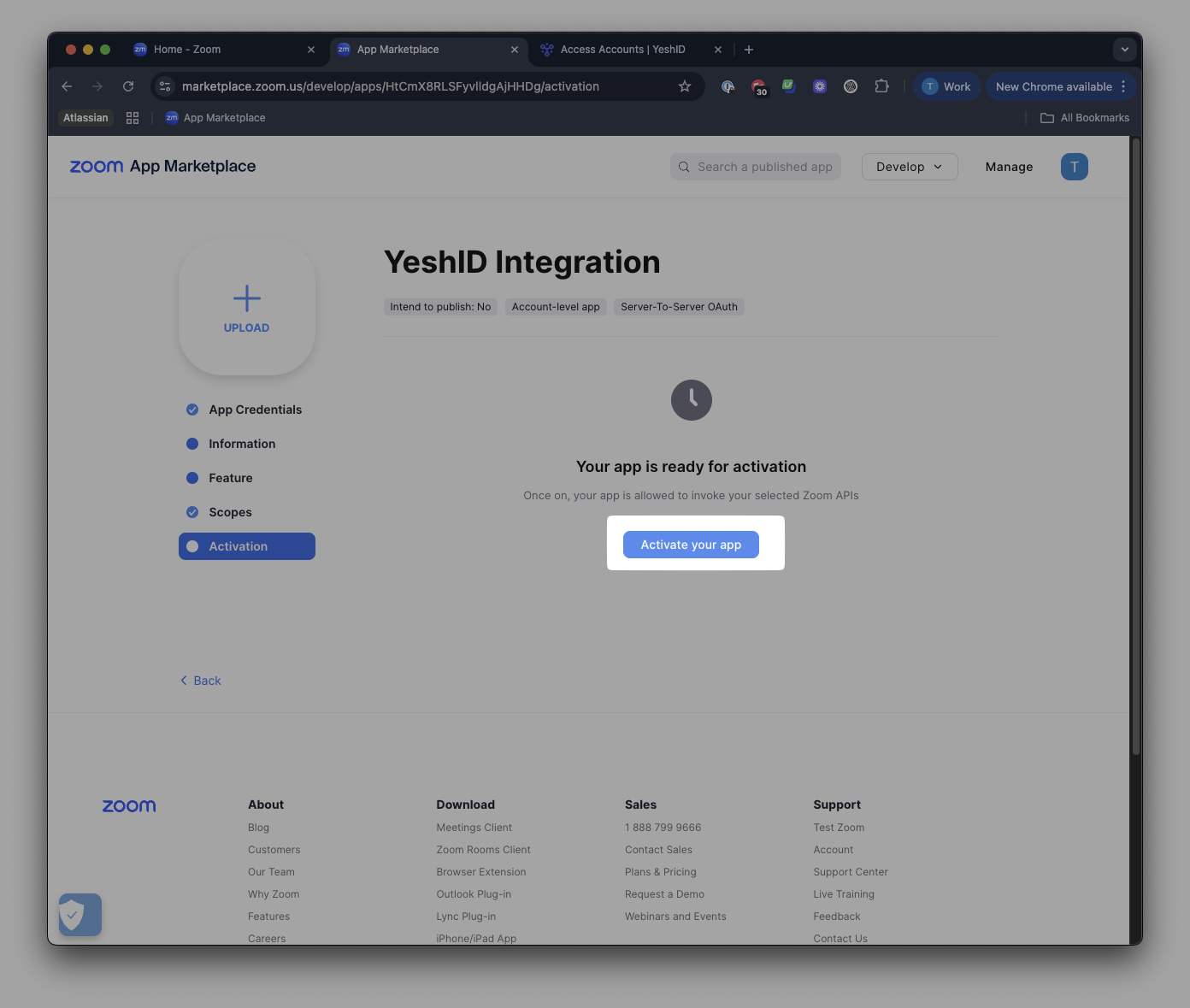
Activate your App
2. Add Zoom as an Application in YeshID
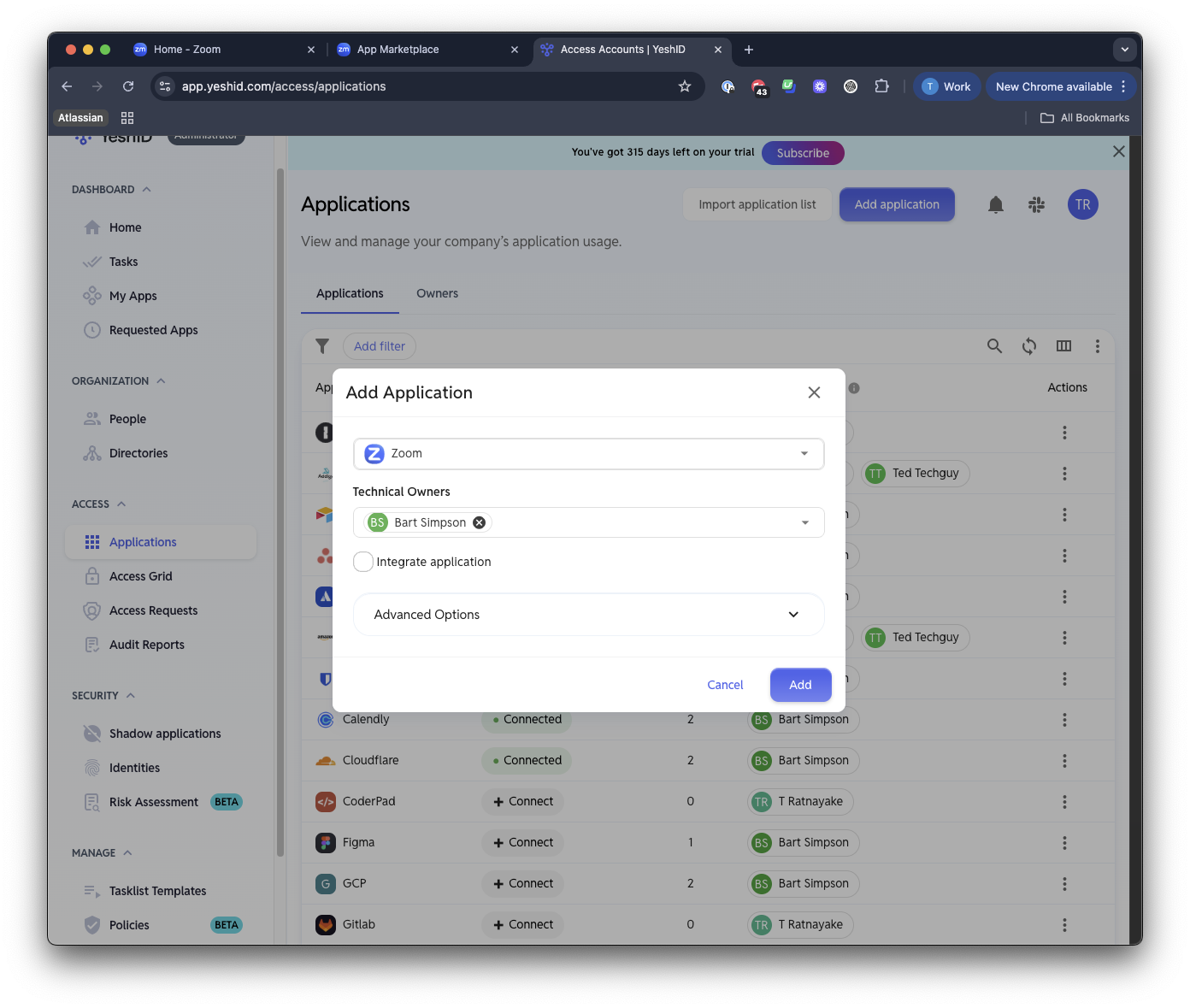
3. Click Connect & Integrate
Choose Integration Type:
SCIMAuthentication Type:
oAuth2Grant Type:
Client CredentialsClient ID: From above
Client Secret: From above
4. Check off the relevant Actions